Purpose
The media editor is the review workspace for an individual image, audio file, or PDF. Use it to inspect the file, update metadata, add tags, write comments, place markups, rate the media, review AI scan results, start media-specific chat, audit activity, and manage versions.
This guide documents the currently supported media editor types:
- Image editor.
- Audio editor.
- PDF editor.
Screenshots use documentation sample media and customer-safe names.
Open A Media Item
- Open a library.
- Find the media card you want to review.
- Select the card thumbnail, preview area, or card title.
- Wait for the editor dialog to load.
The editor opens over the library. Closing the editor returns you to the library card grid.
Editor Layout
Every editor has the same basic structure:
- A main viewer or player area.
- A navigation drawer for editor tabs.
- Shared tabs for metadata, tags, comments, markups, ratings, AI scan, collaboration, activity, and version history.
- Media-type tabs for image crop, audio transcript and trim, or PDF page controls.
Image Editor
The image editor is used for image review, metadata updates, visual markups, ratings, AI scan review, crop work, collaboration, and version history.
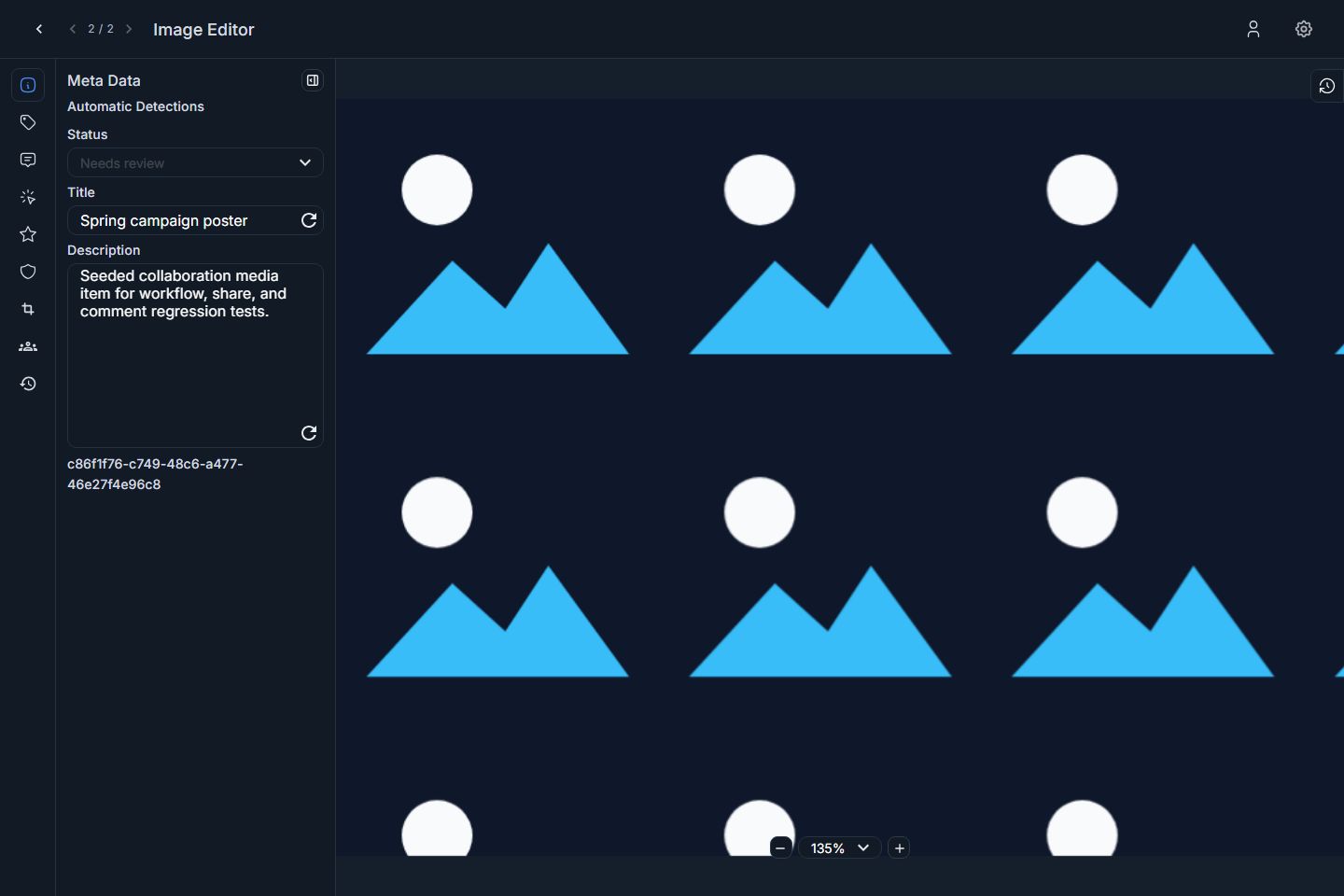
Screenshot: image editor opened to metadata.
Use the image viewer for the visual review surface. The Markup tab lets you place region-specific notes on the image. The Crop tab gives image-specific crop controls.
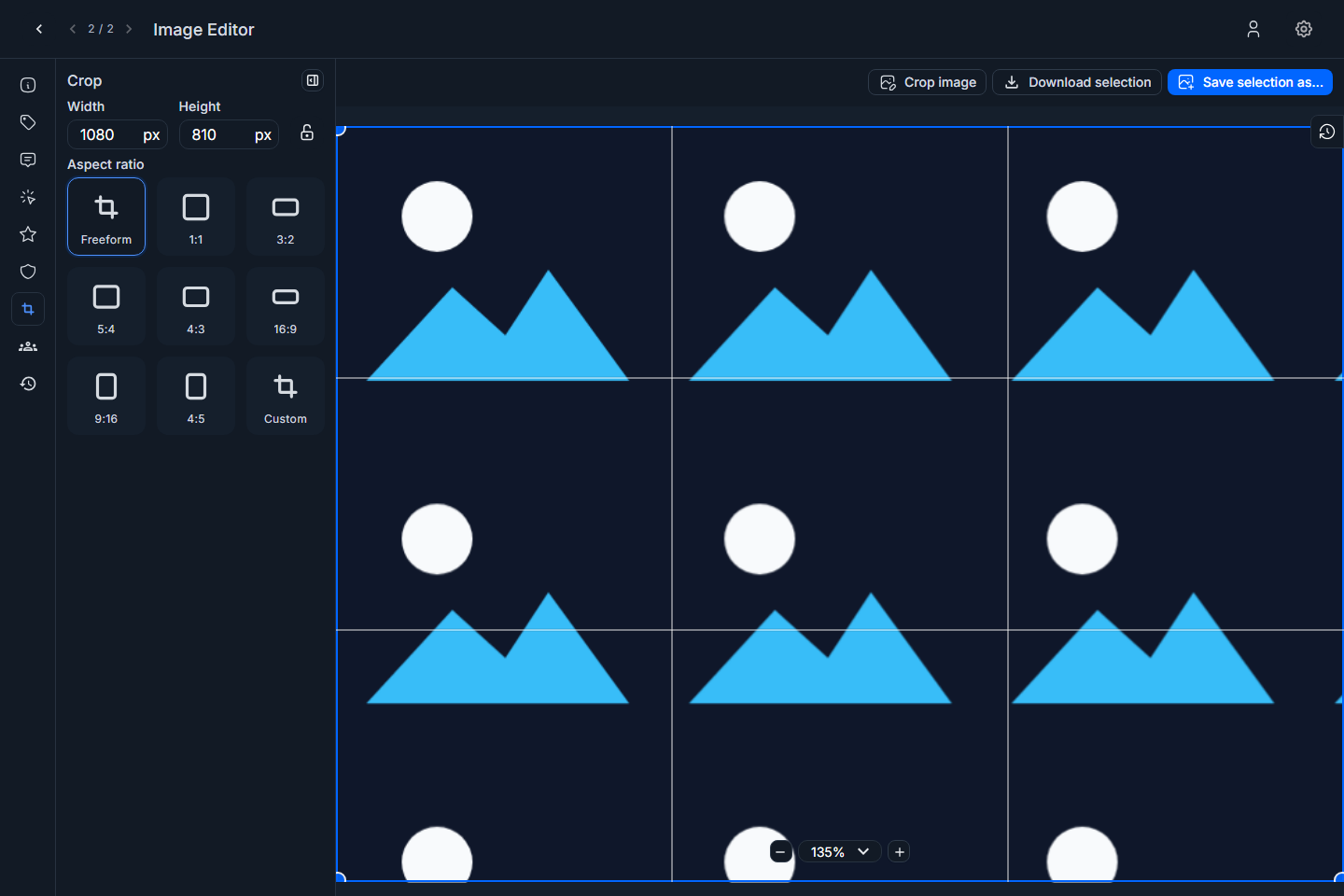
Screenshot: image editor Crop tab.
Audio Editor
The audio editor is used for audio playback, waveform review, metadata, tags, comments, time-based markups, ratings, AI scan review, transcript review, trim work, collaboration, and version history.
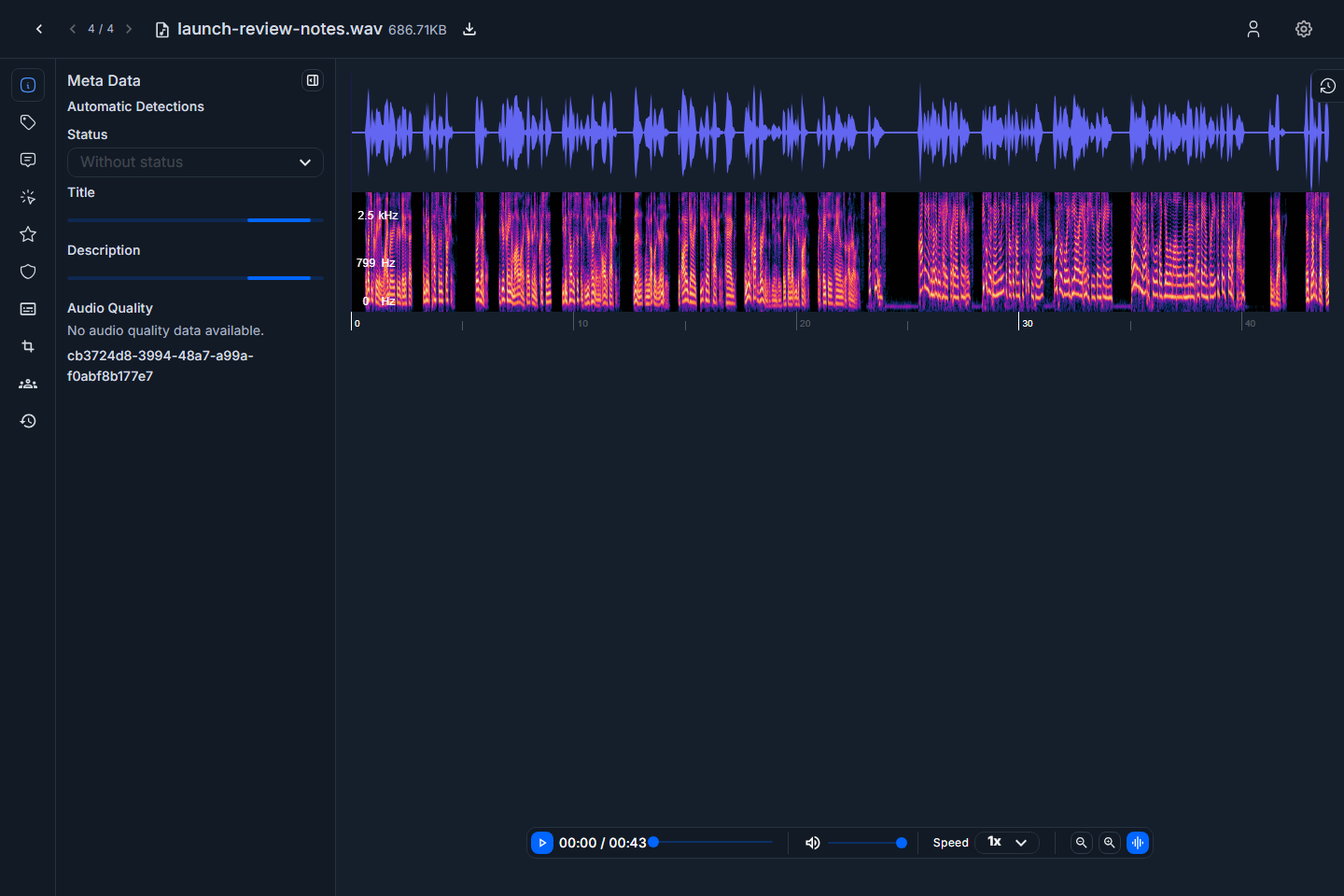
Screenshot: audio editor with waveform player.
The waveform is the main review surface. Use it to play through the file and to place markups at the point in time that needs attention.
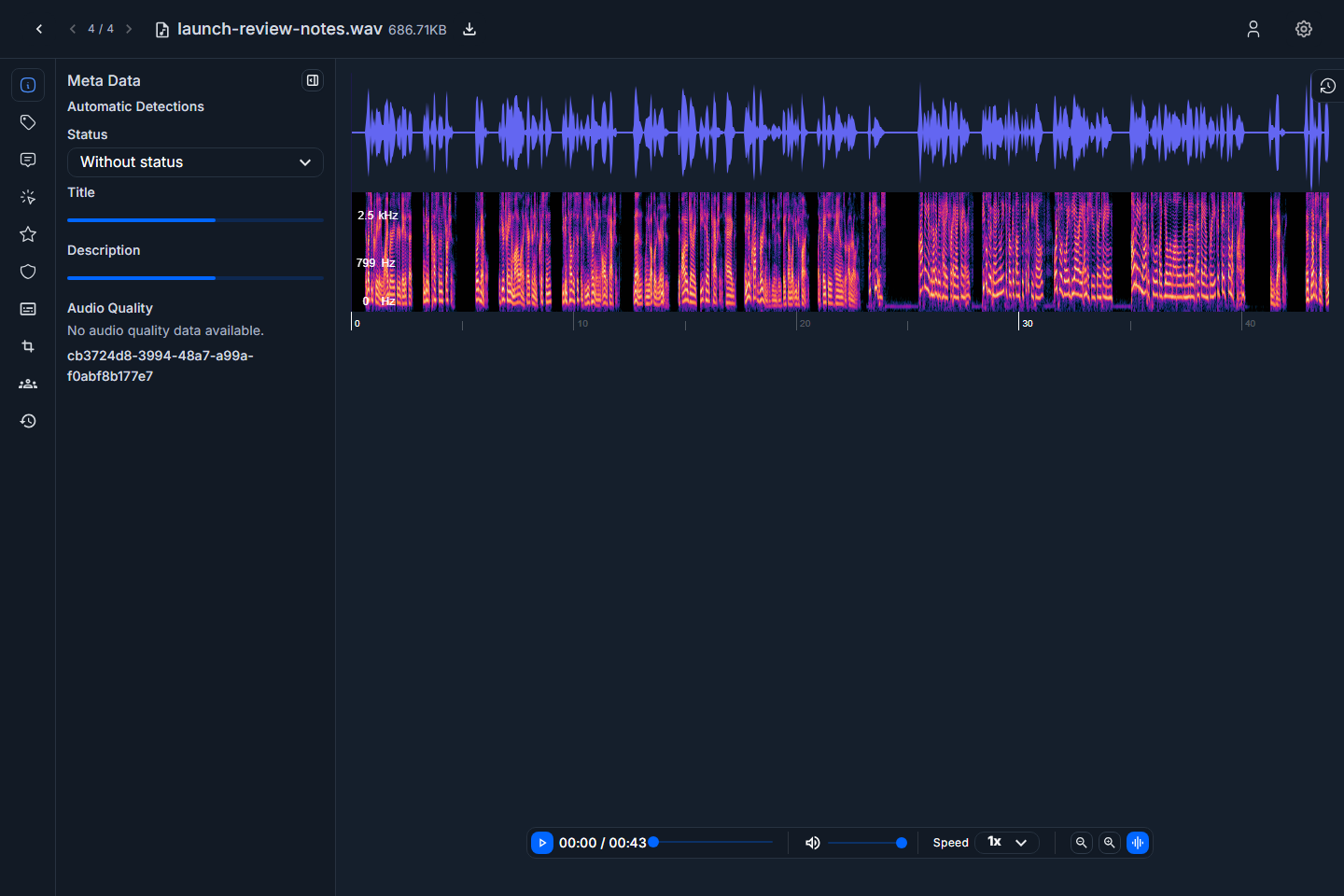
Screenshot: audio editor metadata tab.
The Transcript tab shows transcript content when transcription is available.
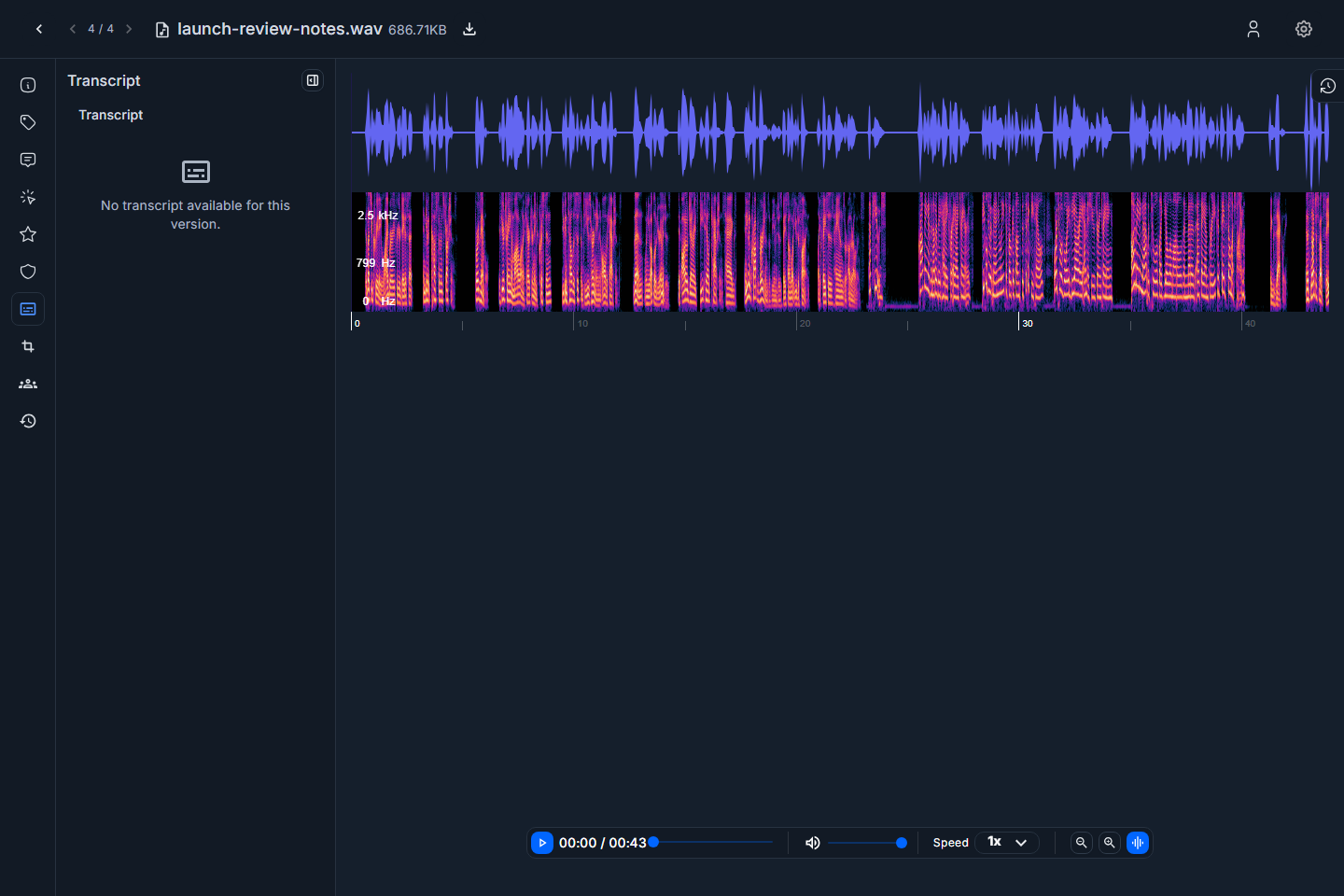
Screenshot: audio editor Transcript tab.
The Trim tab contains audio-specific controls for previewing or preparing a trimmed segment.
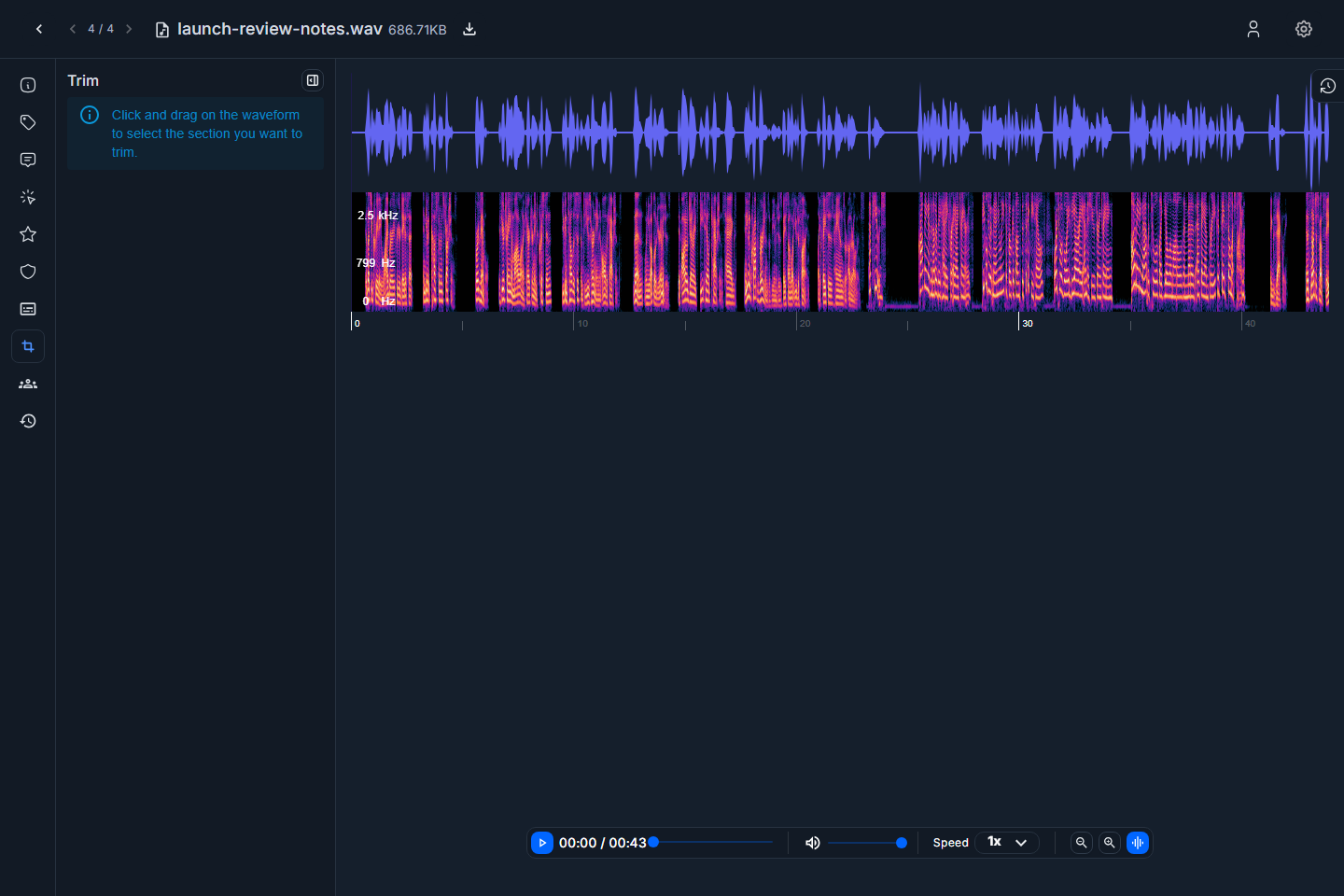
Screenshot: audio editor Trim tab.
PDF Editor
The PDF editor is used for document preview, page navigation, metadata, tags, comments, page markups, ratings, AI scan review, collaboration, activity, version history, and the Pages drawer.
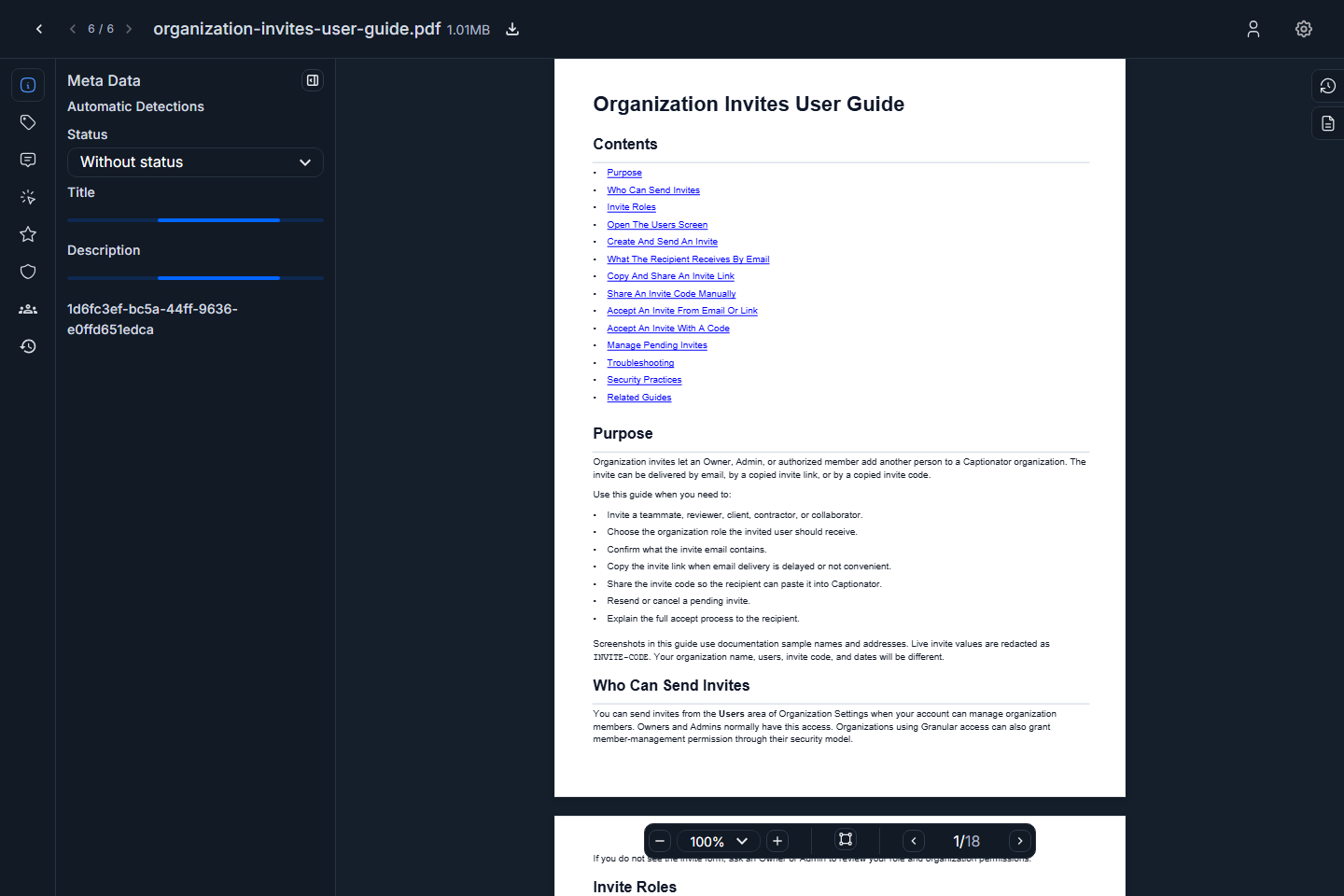
Screenshot: PDF editor displaying page one.
Use the page controls in the viewer to move between pages.
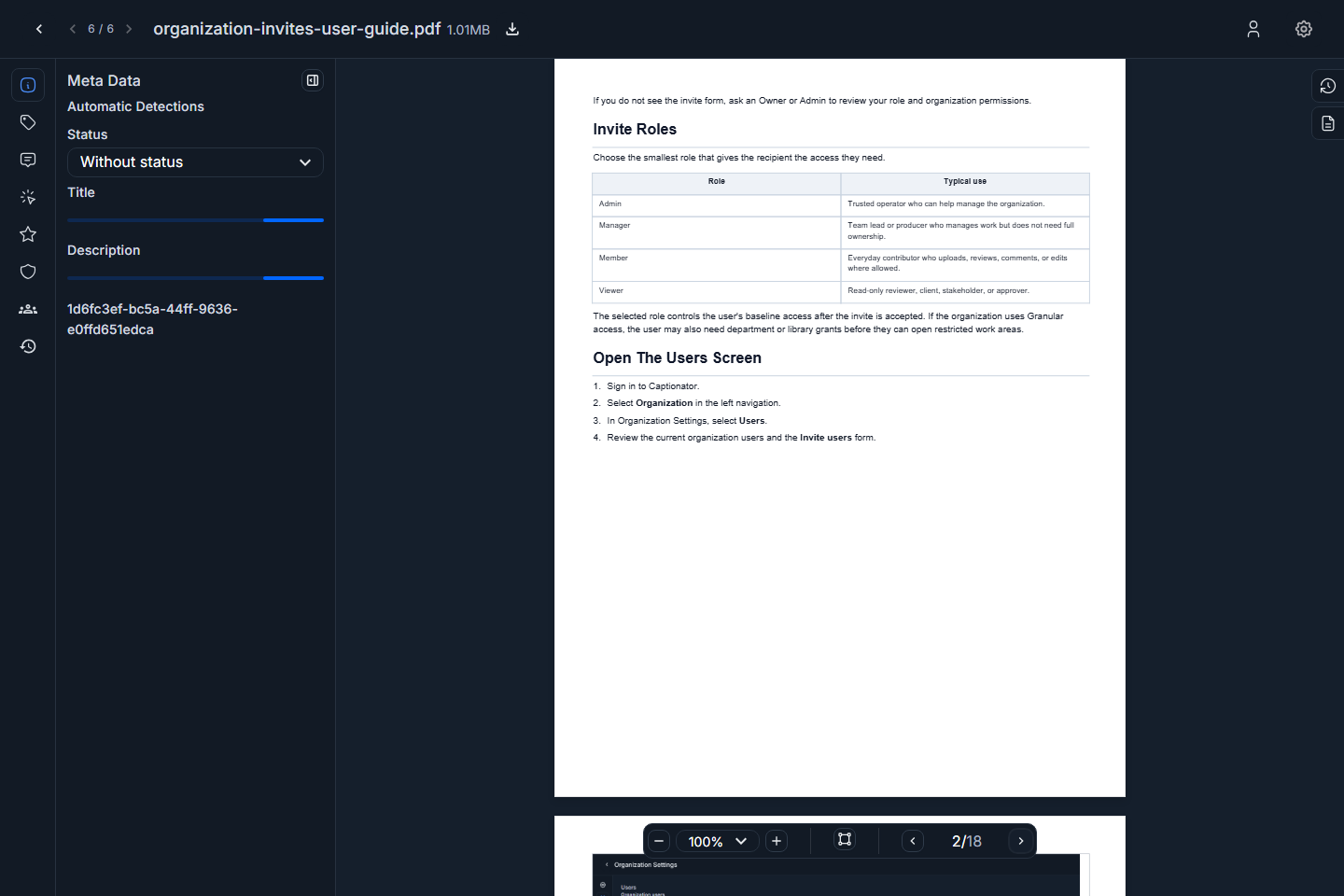
Screenshot: PDF page controls after moving to the next page.
The PDF metadata tab shows document details and automatic detections.
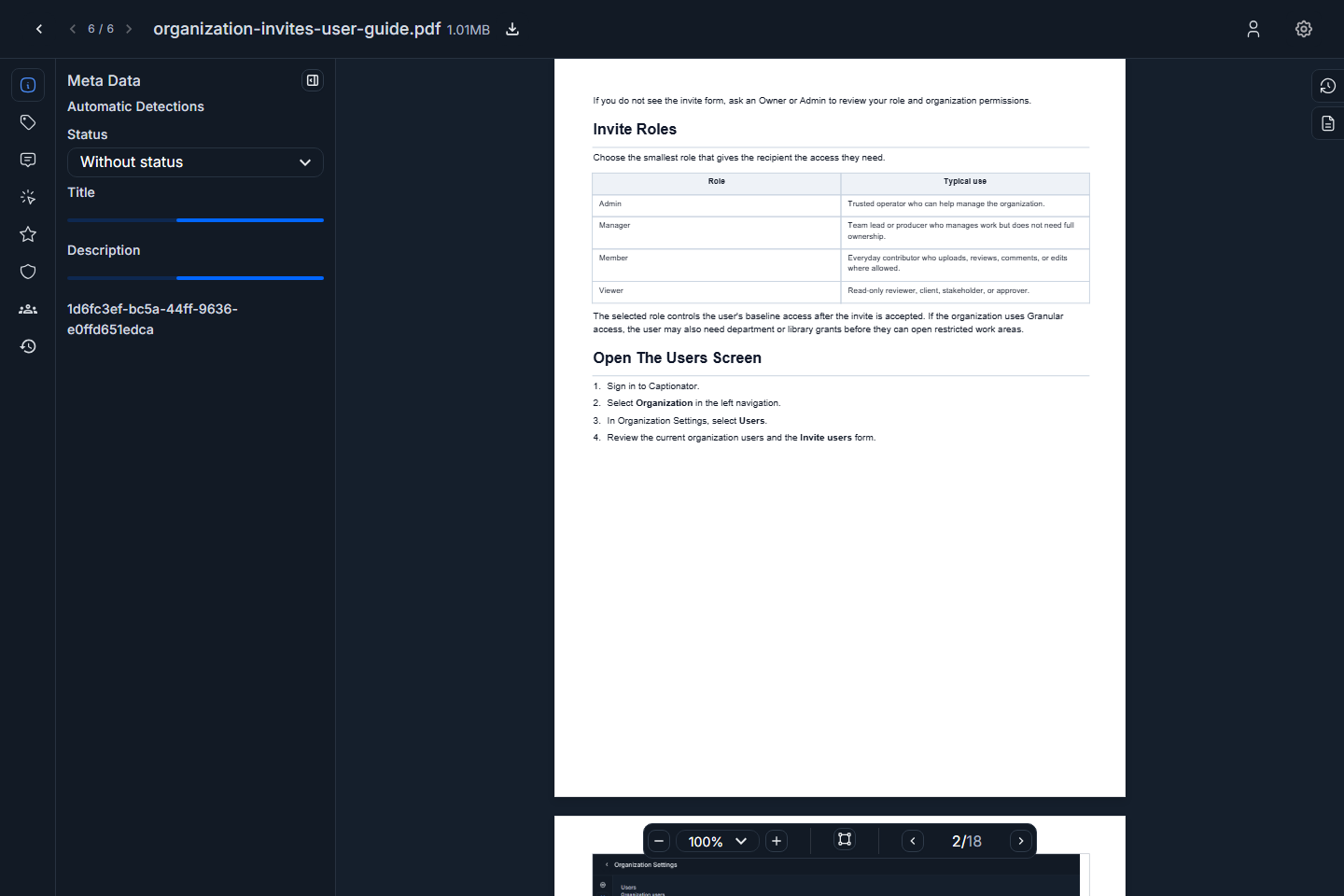
Screenshot: PDF editor metadata tab.
Tags
Tags help organize media for filtering, search, workflow triage, and export. Use short, consistent terms that your team will recognize.
To add a tag:
- Open the media editor.
- Select Tags.
- Enter a tag in Add tag.
- Press Enter or use the add action.
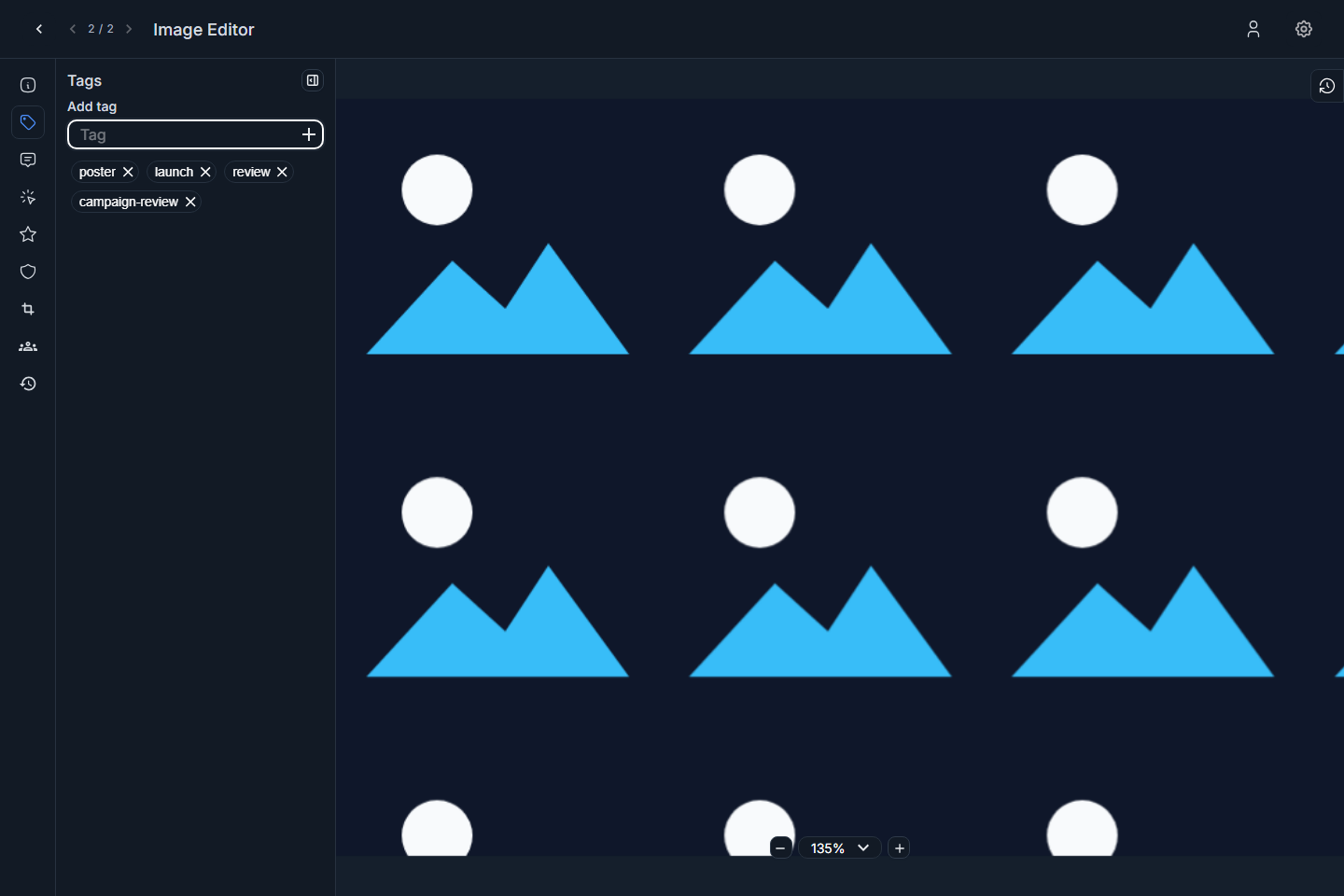
Screenshot: image editor Tags tab.
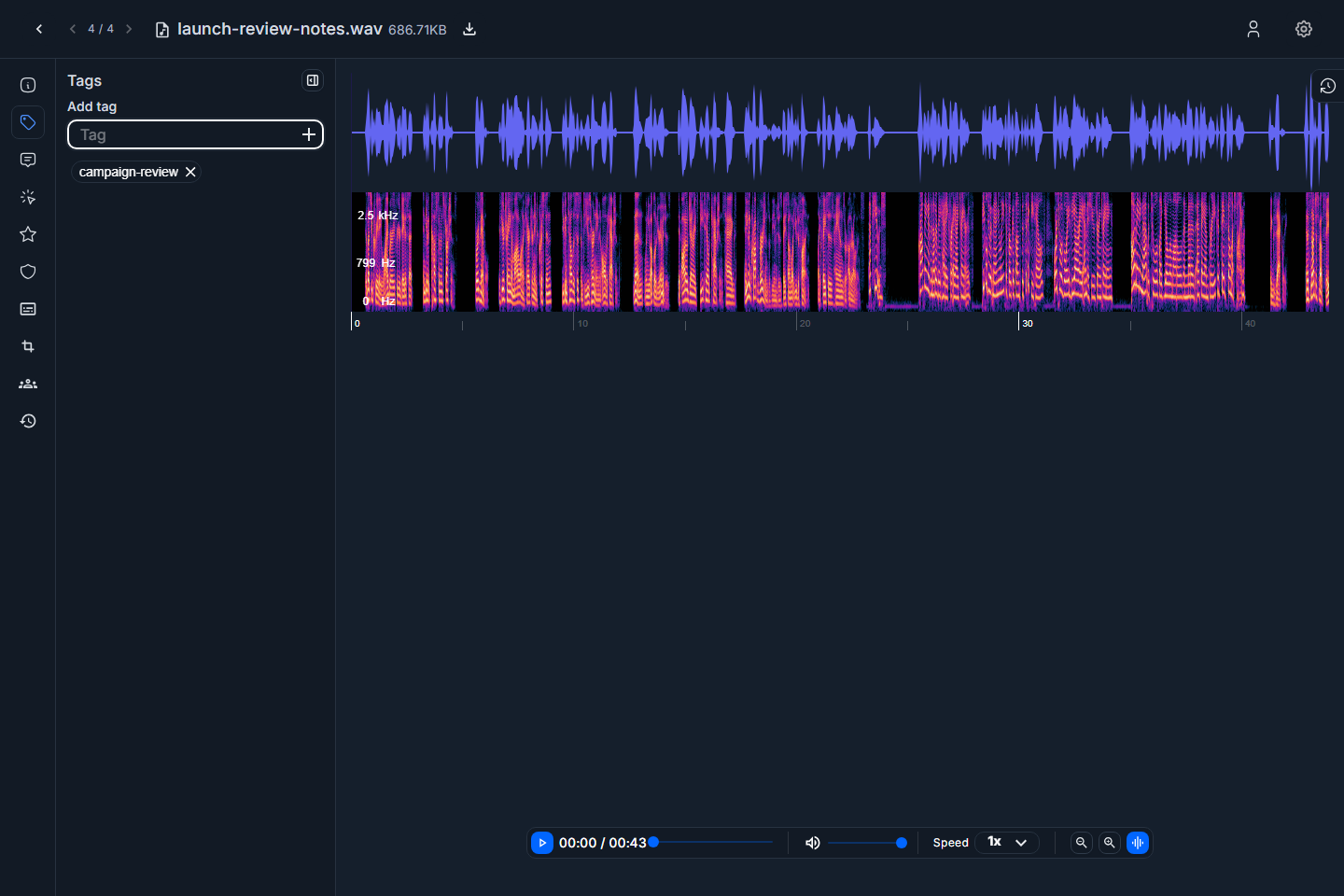
Screenshot: audio editor Tags tab.
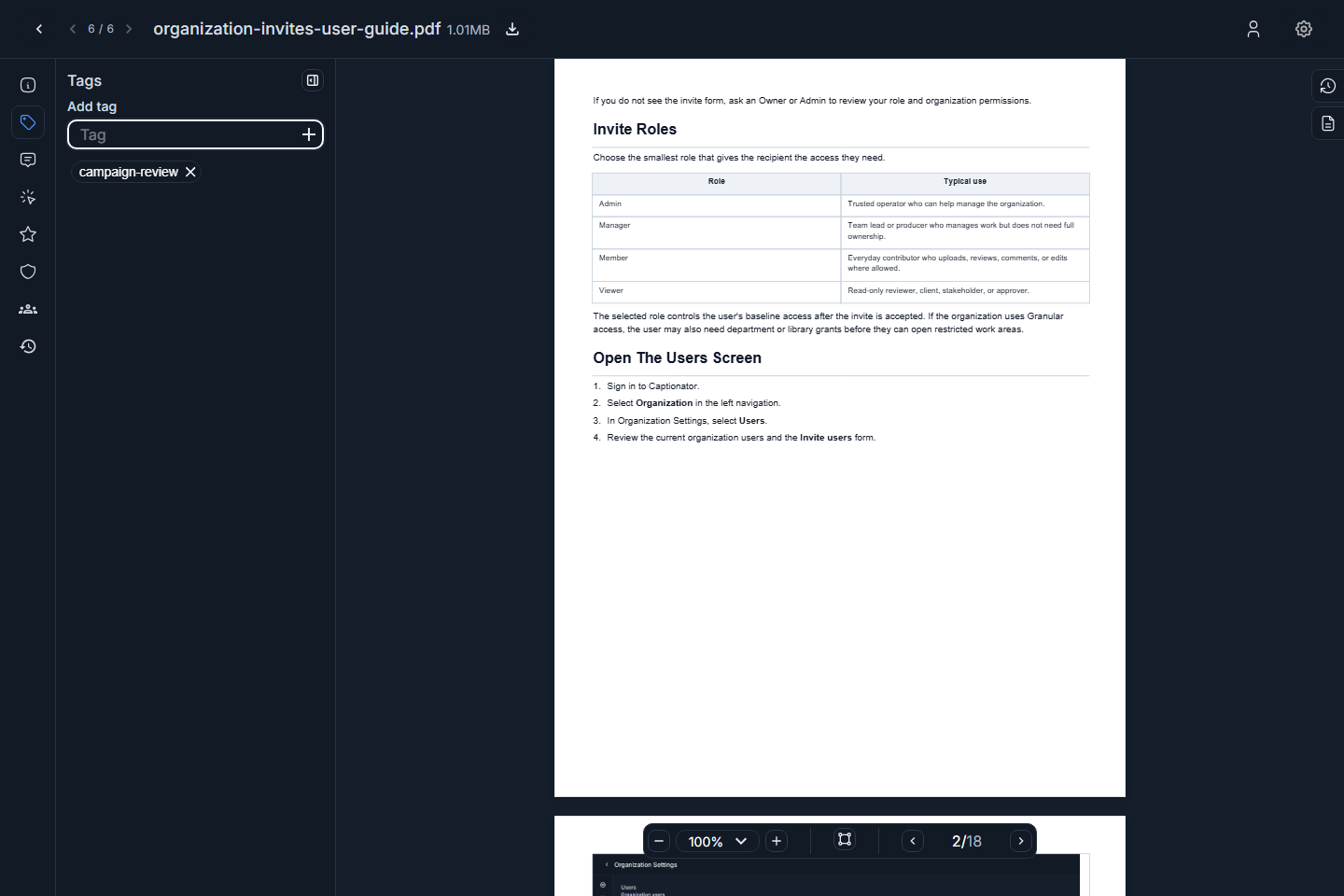
Screenshot: PDF editor Tags tab.
Use tags for durable classification. Use comments for discussion and markups for notes tied to a region, timestamp, or page.
Comments
Comments are for discussion about the whole media item. Use them for review notes, approvals, questions, and follow-up requests.
To add a comment:
- Select Comments.
- Type the note in the comment box.
- Submit the comment.
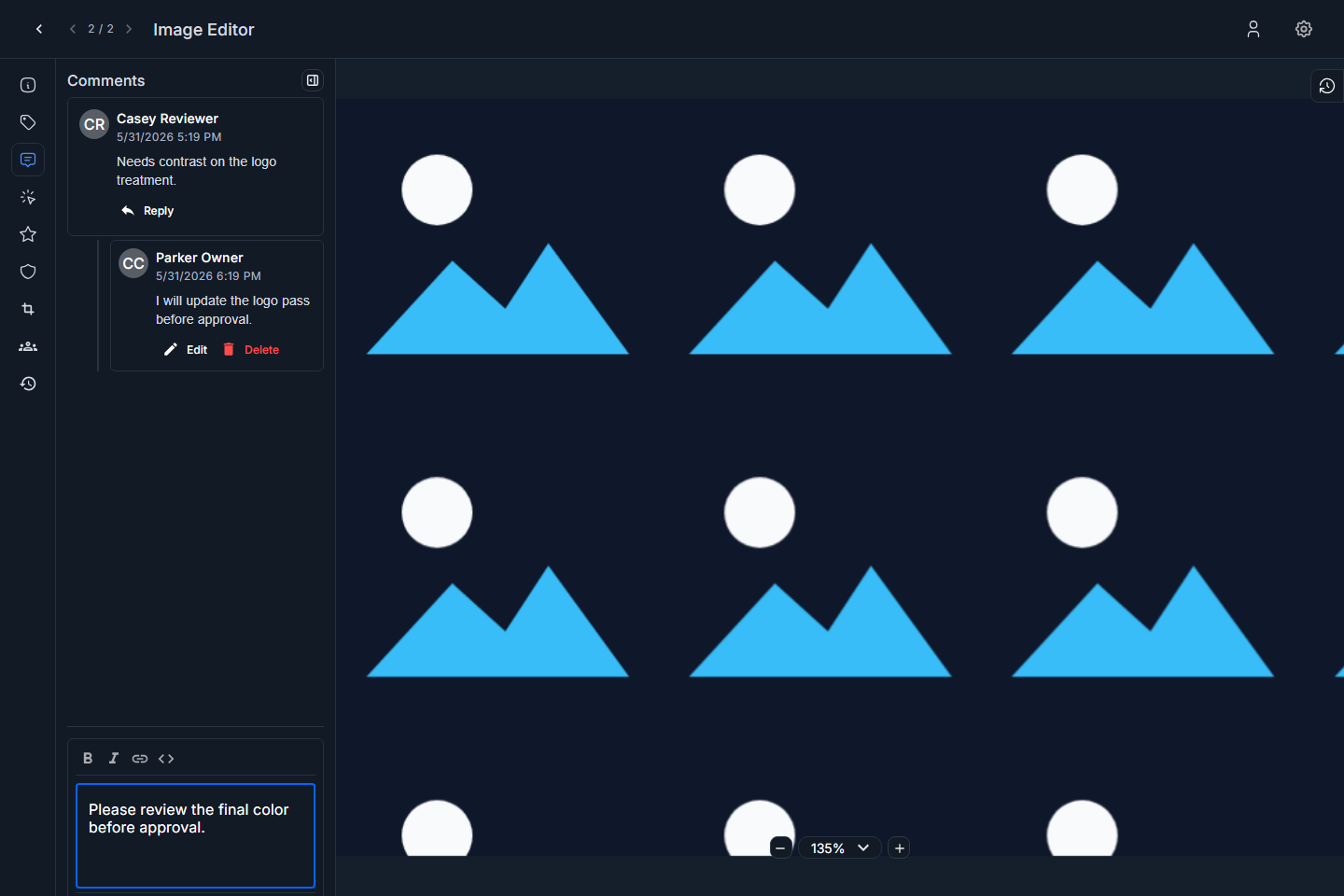
Screenshot: image editor Comments tab.
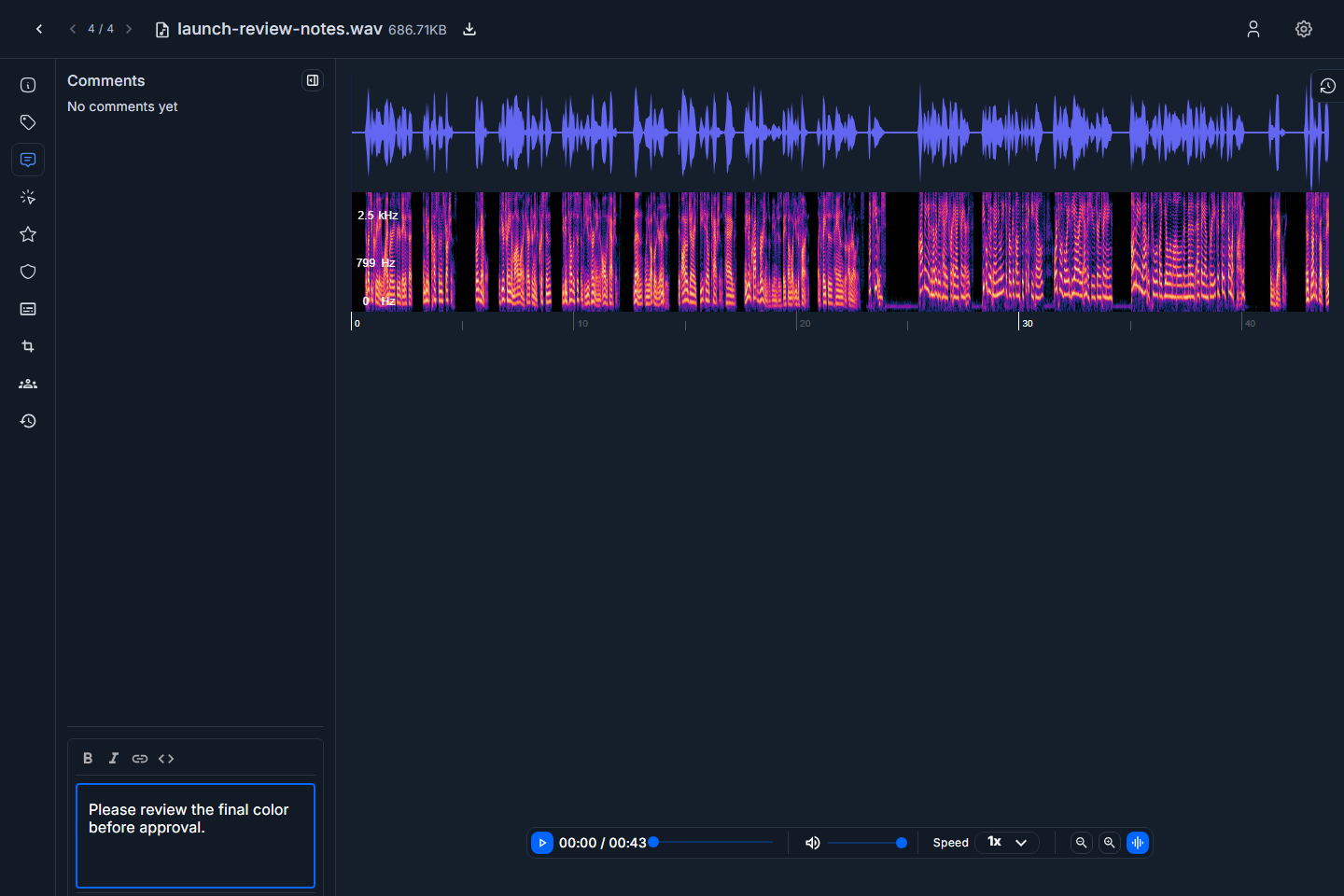
Screenshot: audio editor Comments tab.
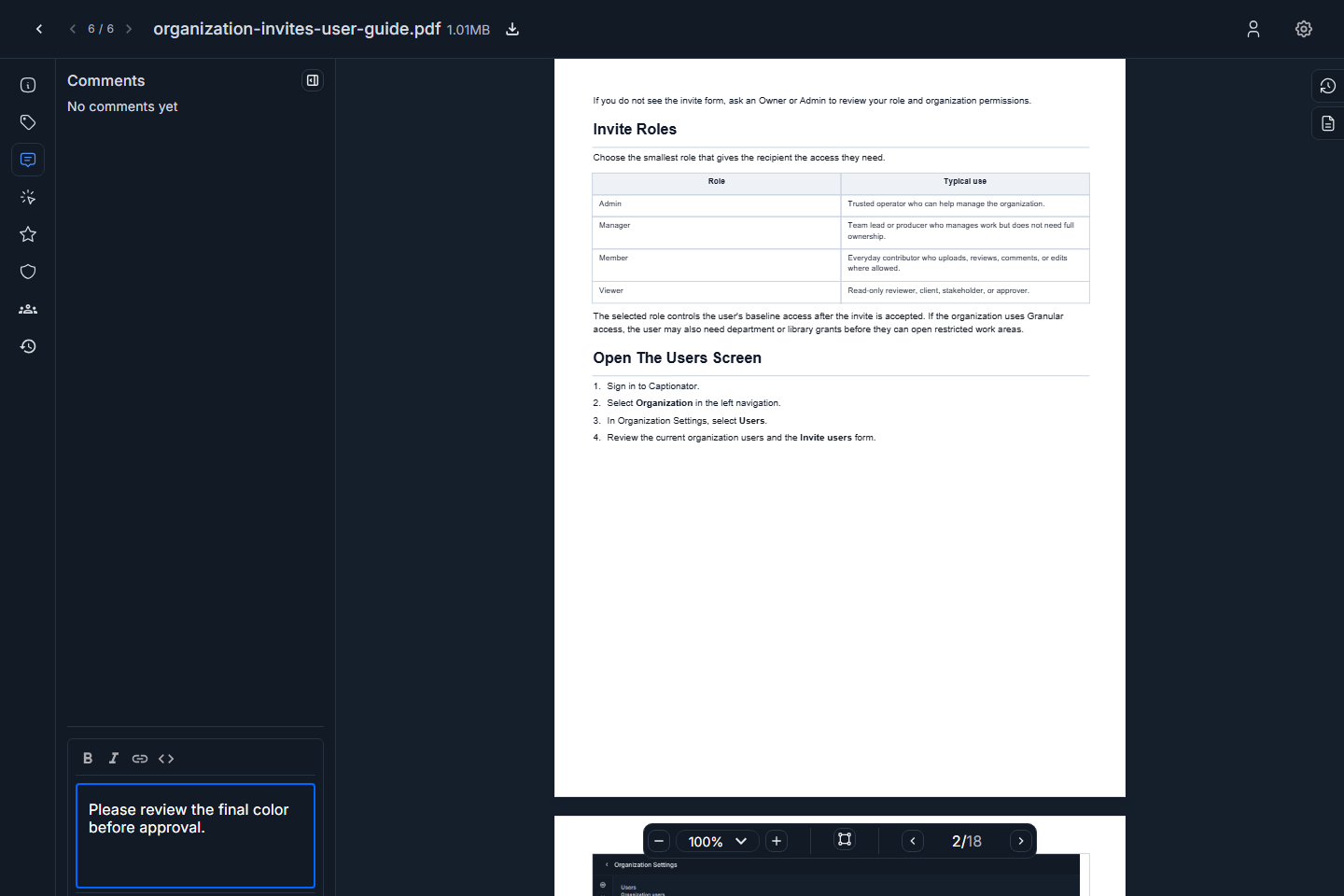
Screenshot: PDF editor Comments tab.
Use comments when the note applies to the full asset or when you want a normal conversation thread. Use markups when the note belongs to one visual region, audio moment, or document page location.
Markups
Markups are location-specific review notes.
| Media type | Markup target | Typical use |
|---|---|---|
| Image | Image region | Flag a headline, object, crop issue, color issue, or retouching request. |
| Audio | Waveform position | Flag a noise issue, timing issue, edit point, or review moment. |
| Document page location | Flag a paragraph, chart, legal note, layout issue, or page-specific correction. |
To add a markup:
- Select Markup.
- Click the image, waveform, or PDF page where the note belongs.
- Enter the markup text.
- Save the markup, or cancel if the click was accidental.
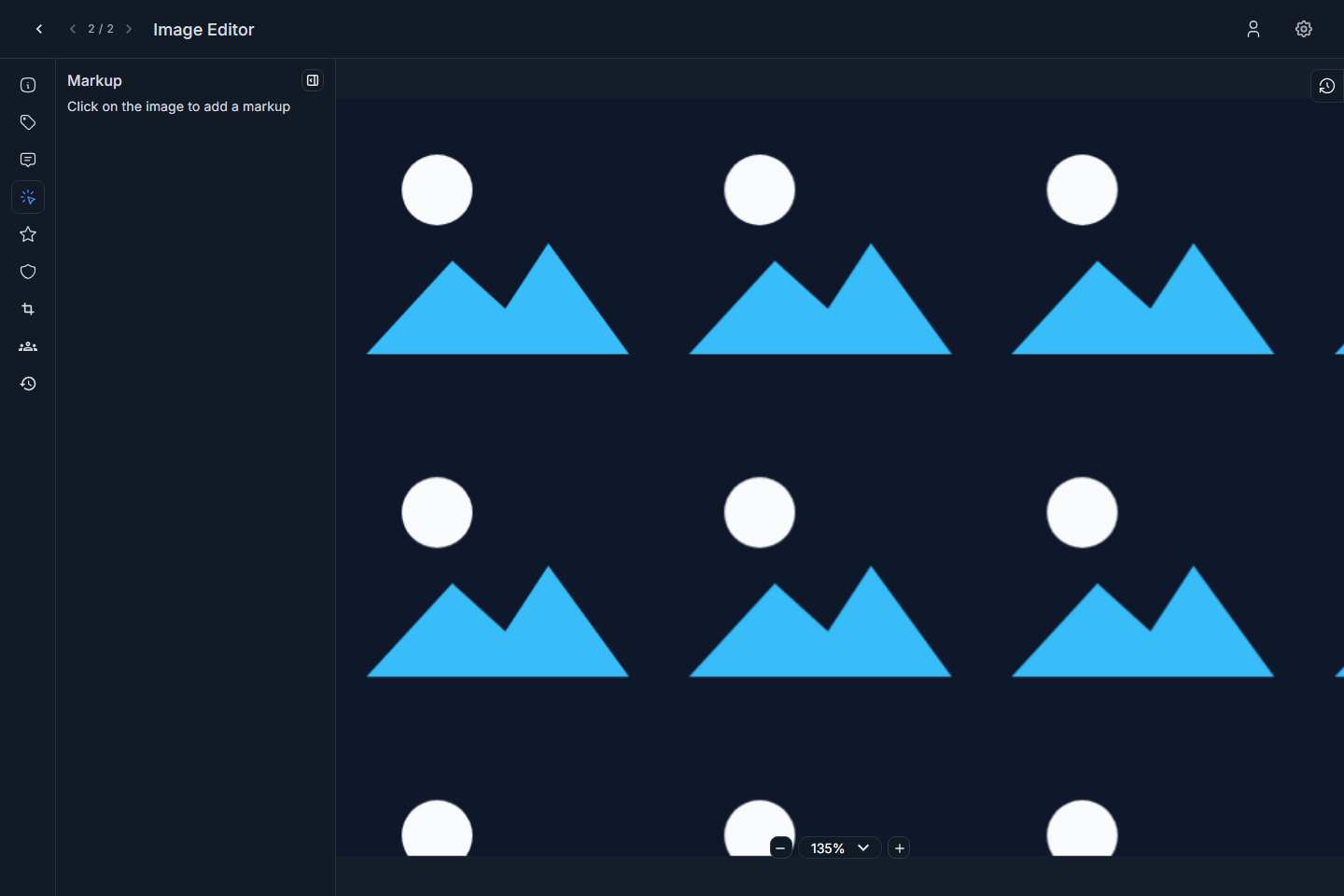
Screenshot: image Markup tab before adding a note.
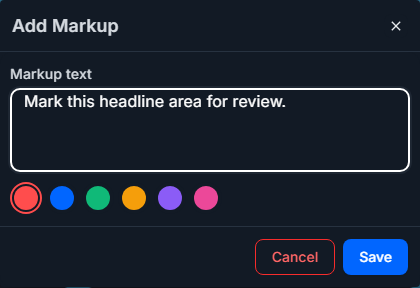
Screenshot: image add-markup dialog.
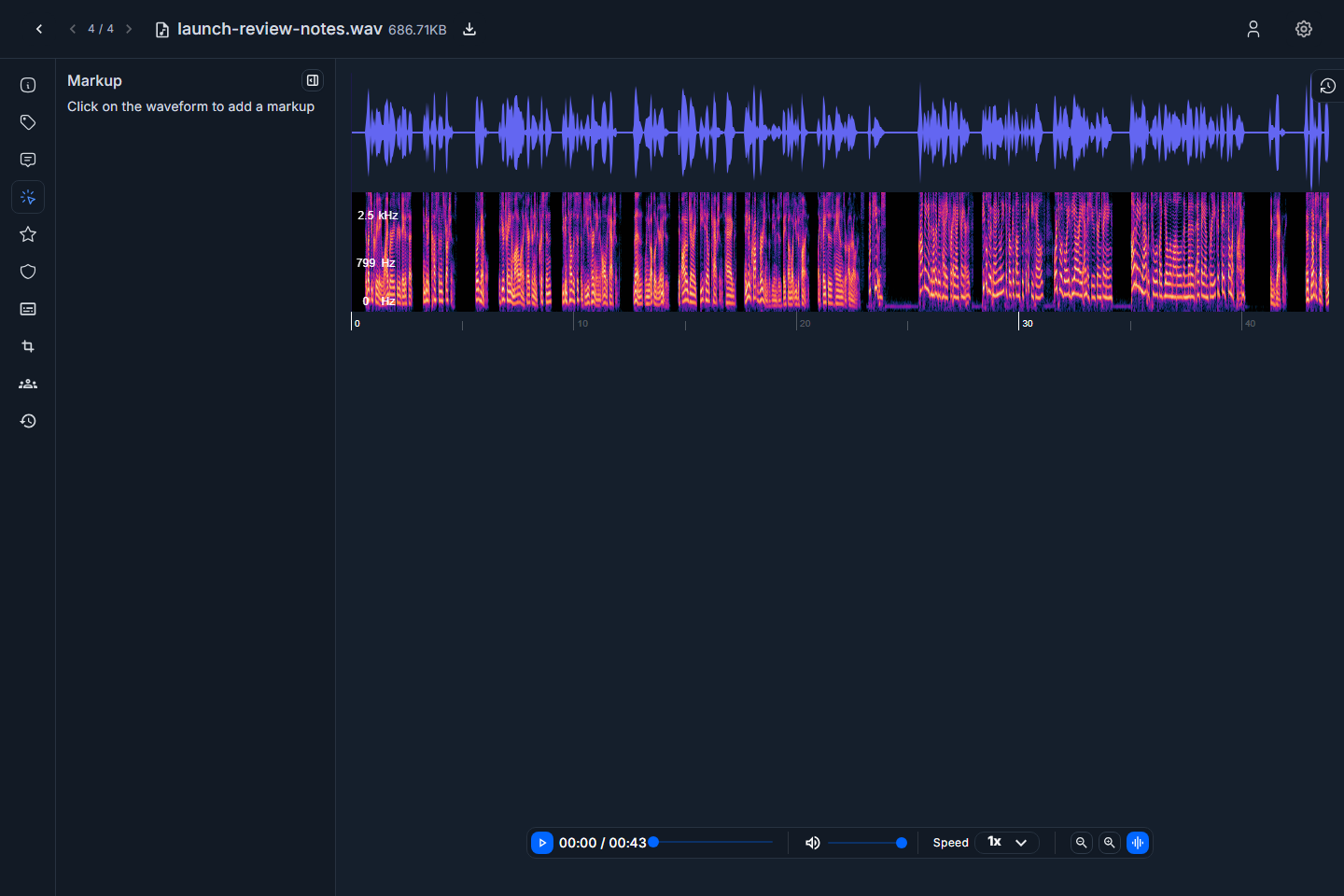
Screenshot: audio Markup tab before adding a note.
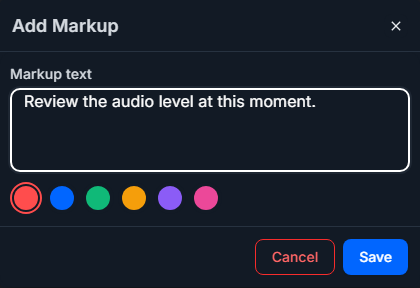
Screenshot: audio add-markup dialog.
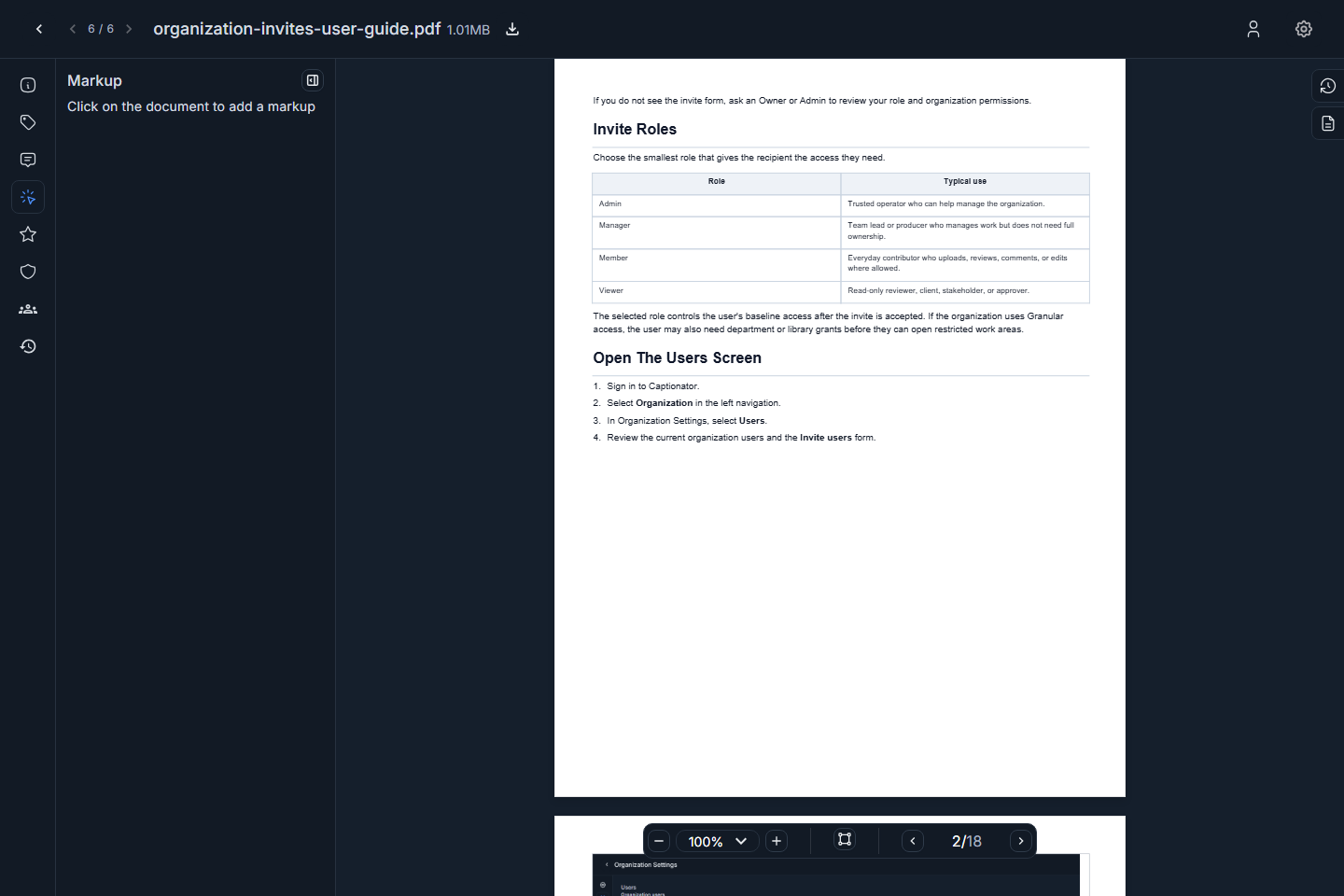
Screenshot: PDF Markup tab before adding a note.
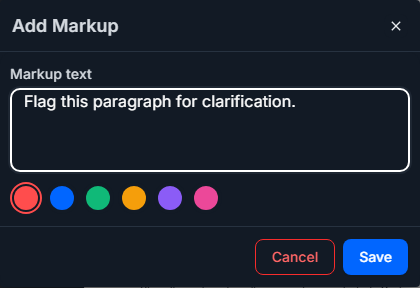
Screenshot: PDF add-markup dialog.
Ratings
Ratings let reviewers score media against the criteria configured in Library Settings. If a rating category is missing, set it up from Library Settings before the review round. See Uploading Media User Guide.
To rate media:
- Select Ratings.
- Choose the rating value for each available criterion.
- Save or update the rating if the screen asks for confirmation.
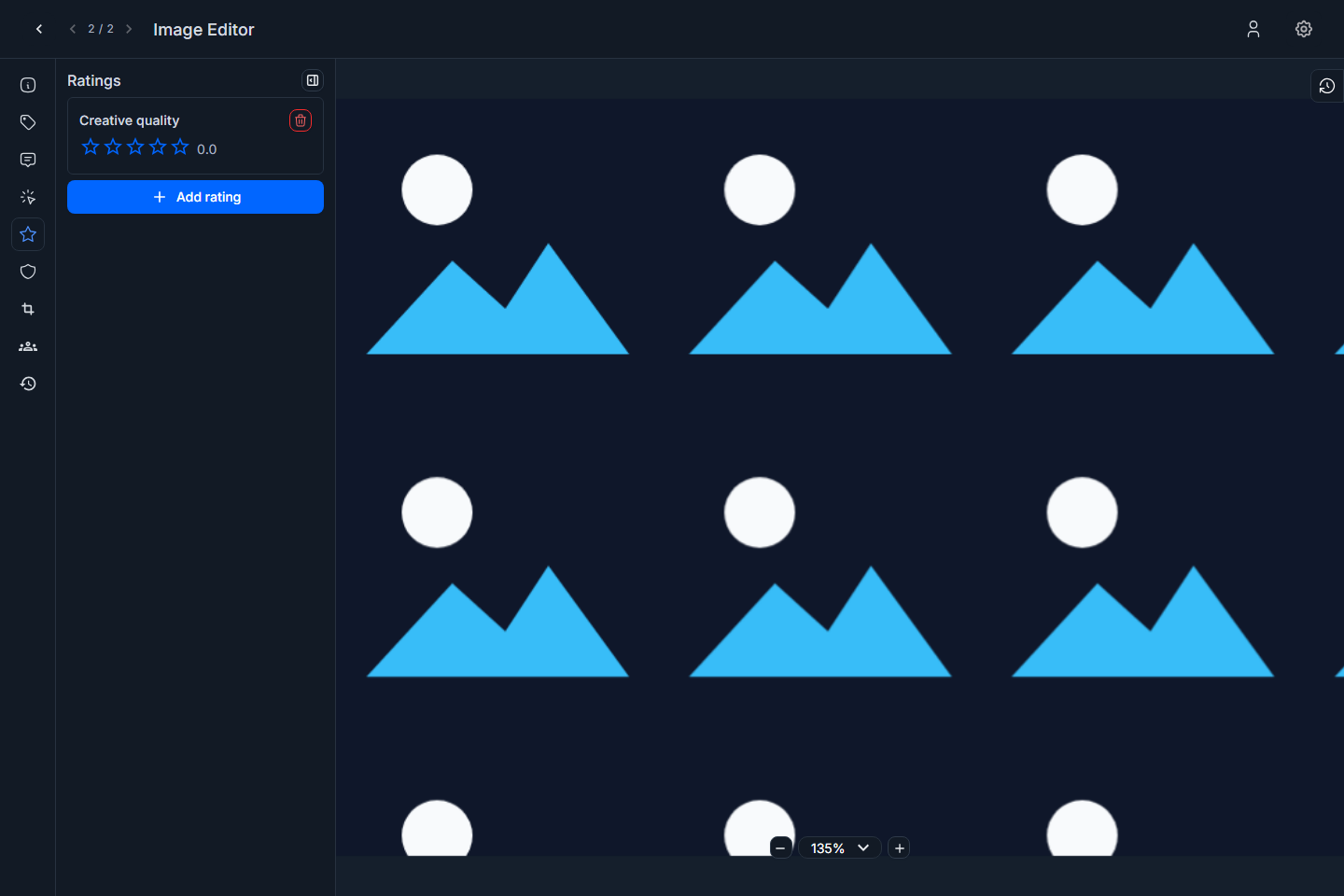
Screenshot: image editor Ratings tab.
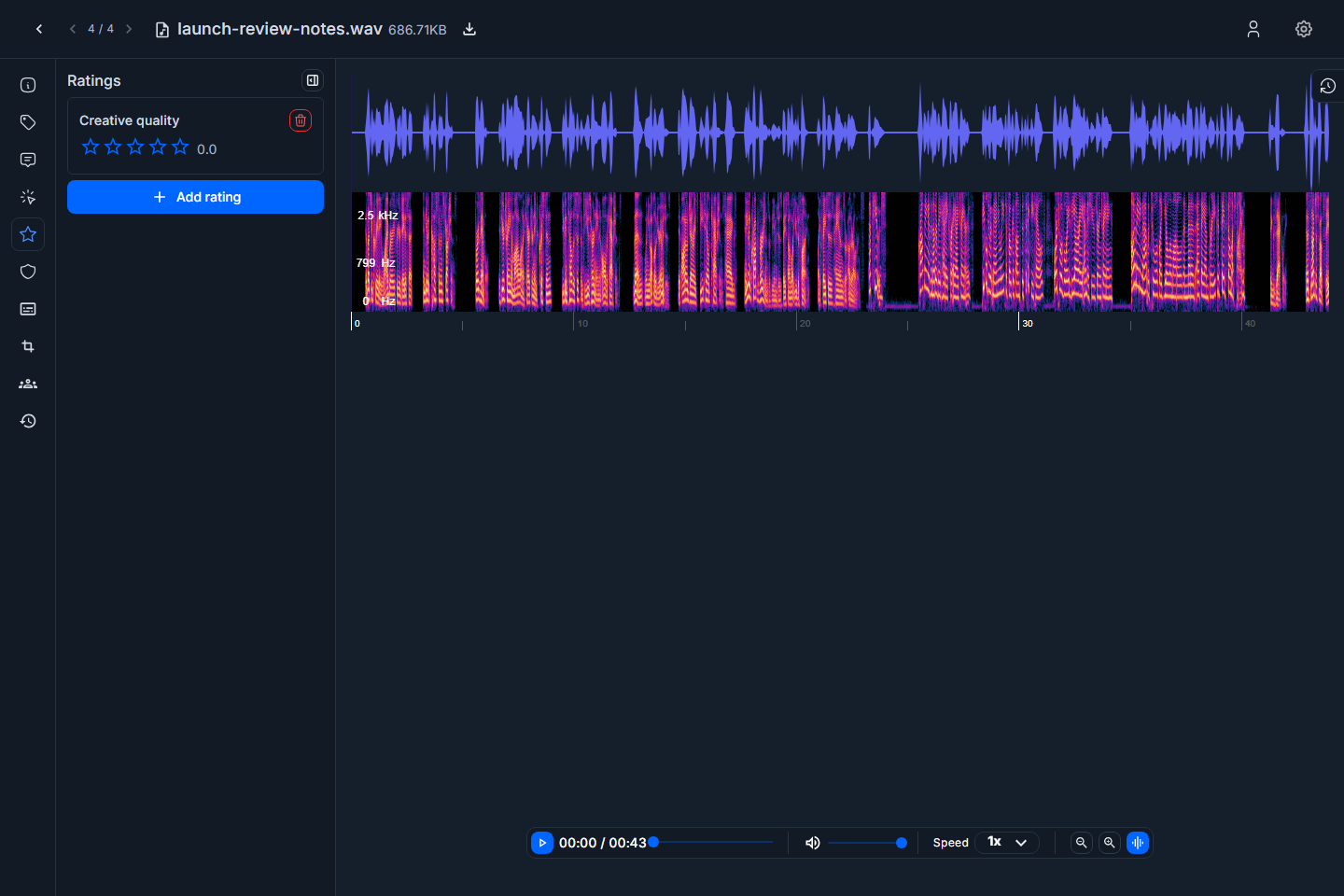
Screenshot: audio editor Ratings tab.
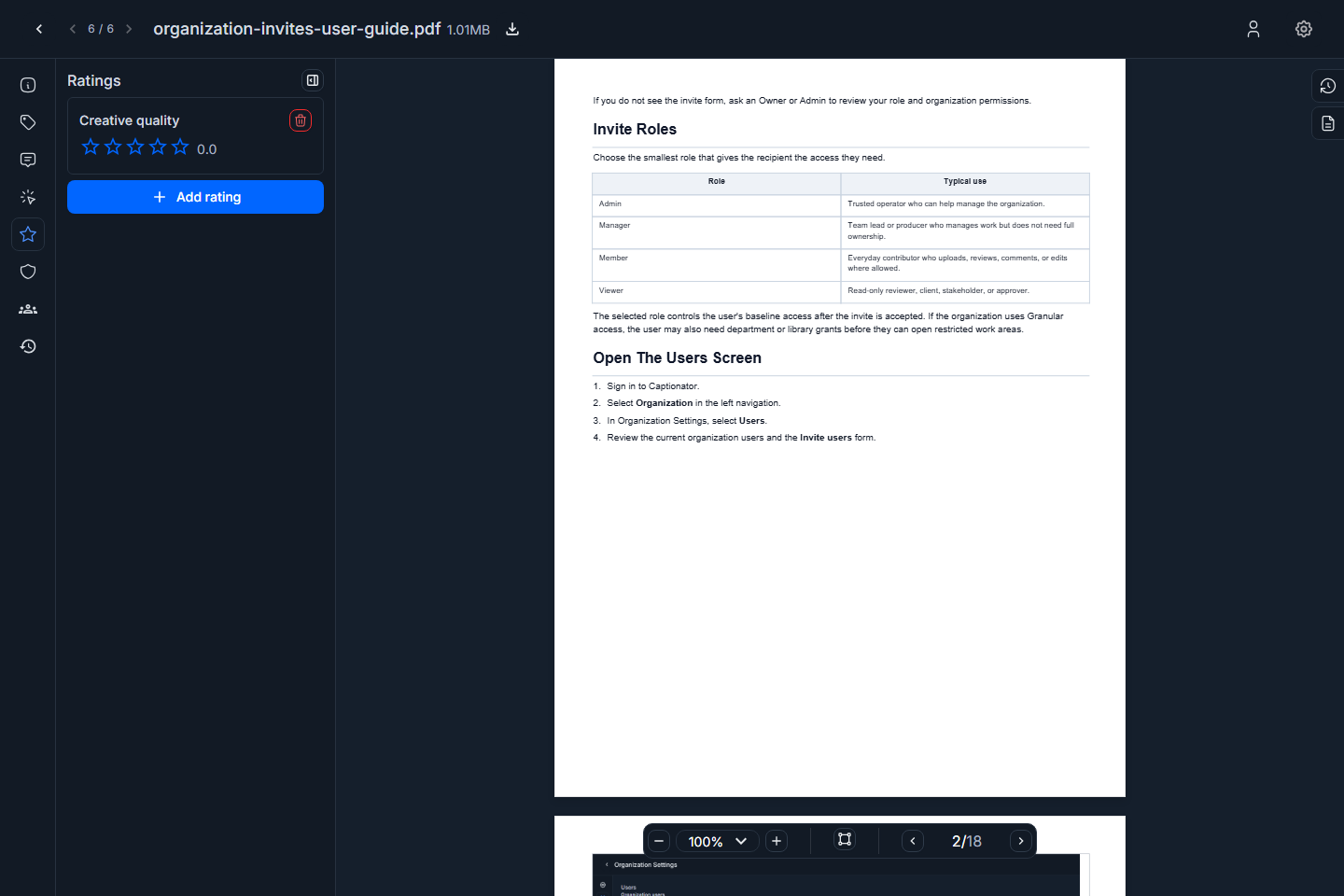
Screenshot: PDF editor Ratings tab.
Use ratings for structured review decisions. Use comments or markups for the reason behind the rating.
AI Scan Results
The AI Scan tab shows AI-related inspection results for the media item when scan data is available. Depending on the media type and processing status, the tab can show completed results, pending work, or no result yet.
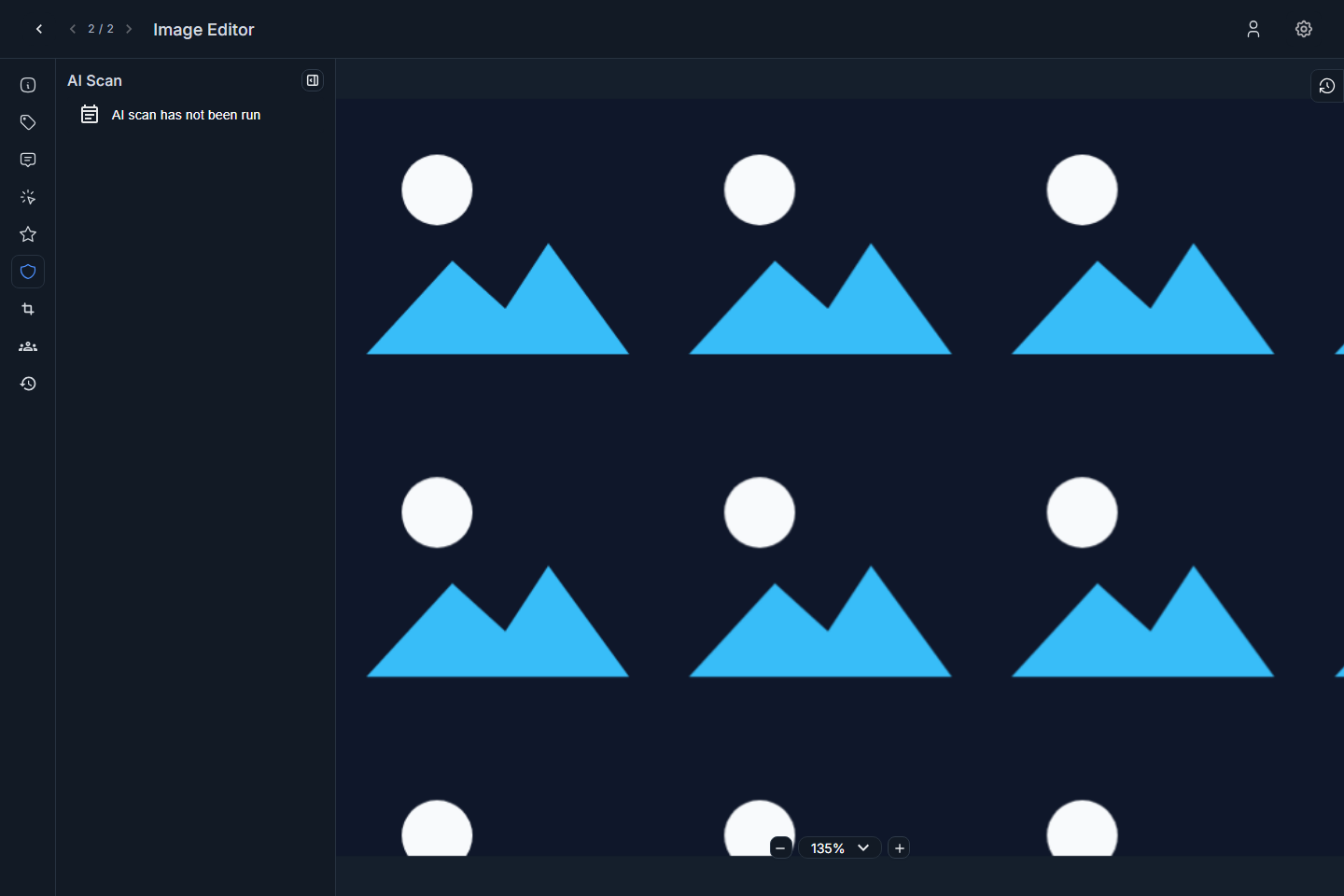
Screenshot: image editor AI Scan tab.
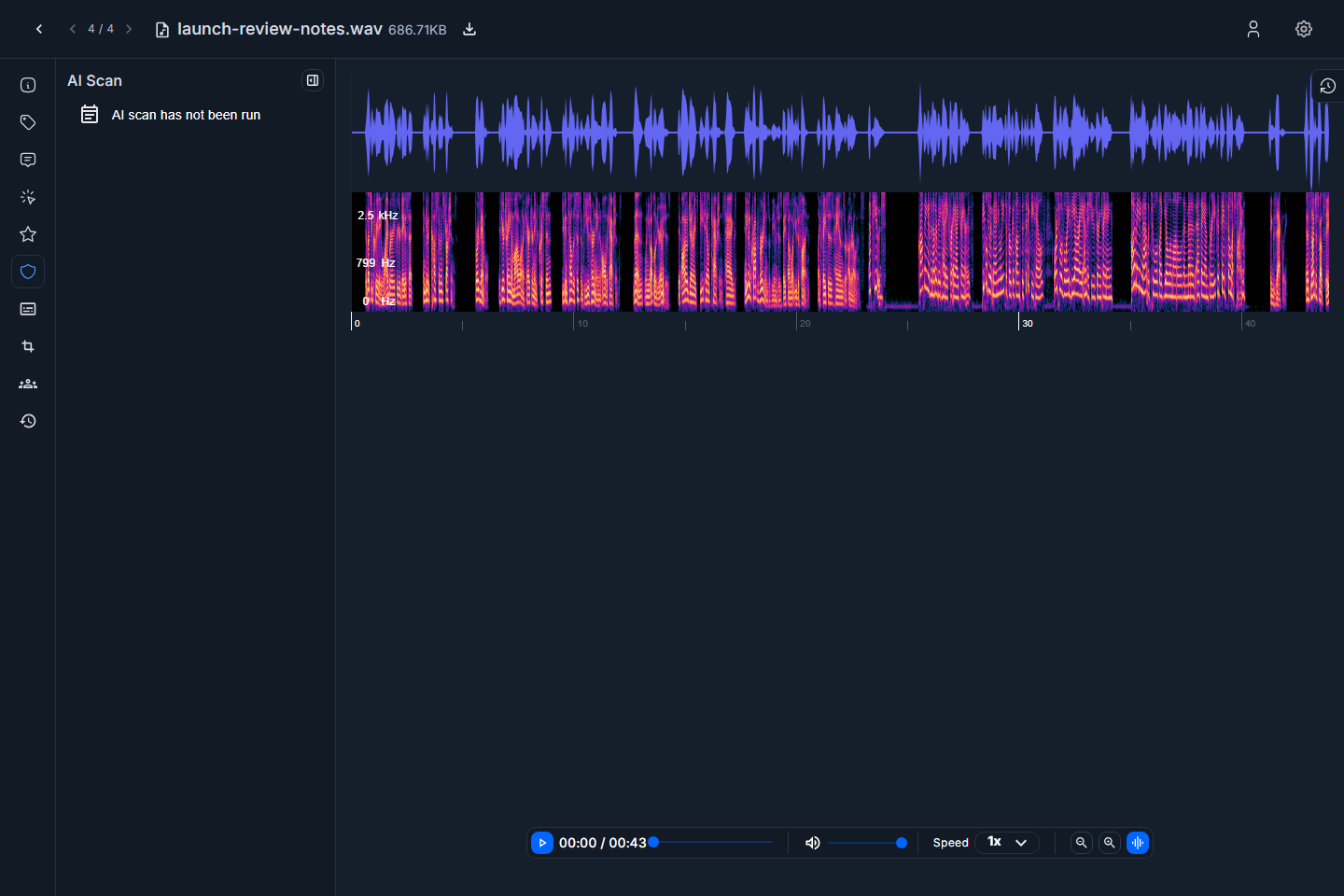
Screenshot: audio editor AI Scan tab.
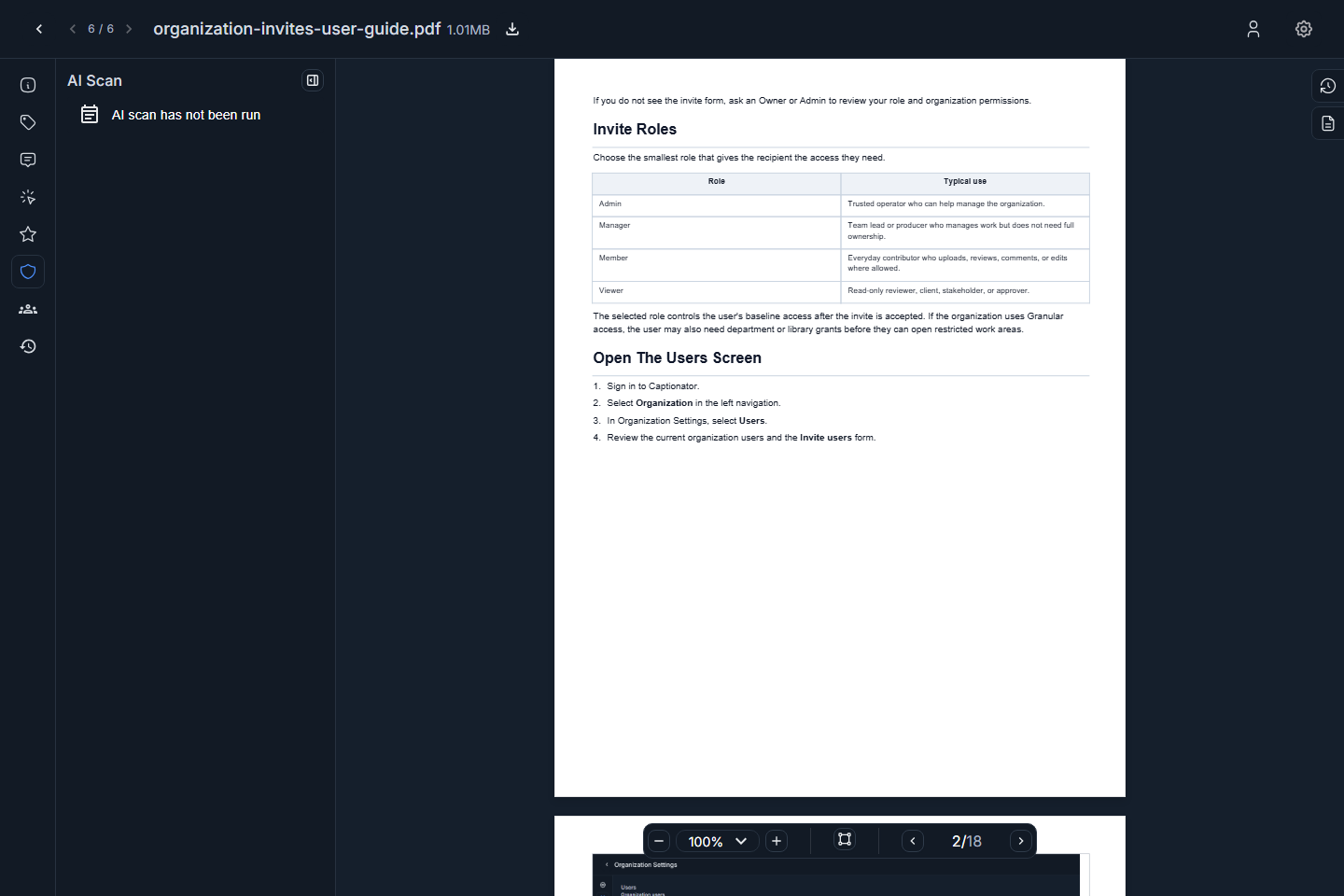
Screenshot: PDF editor AI Scan tab.
Use AI scan results as review context, not as a substitute for human approval when accuracy, policy, or client acceptance matters.
Media Chat
The Collaboration tab connects the media item to workflow status and media-specific chat.
To start a chat about the current media:
- Select Collab or Collaboration.
- Review the workflow status area.
- Select Start Chat About This Media.
- Choose recipients.
- Start the chat.
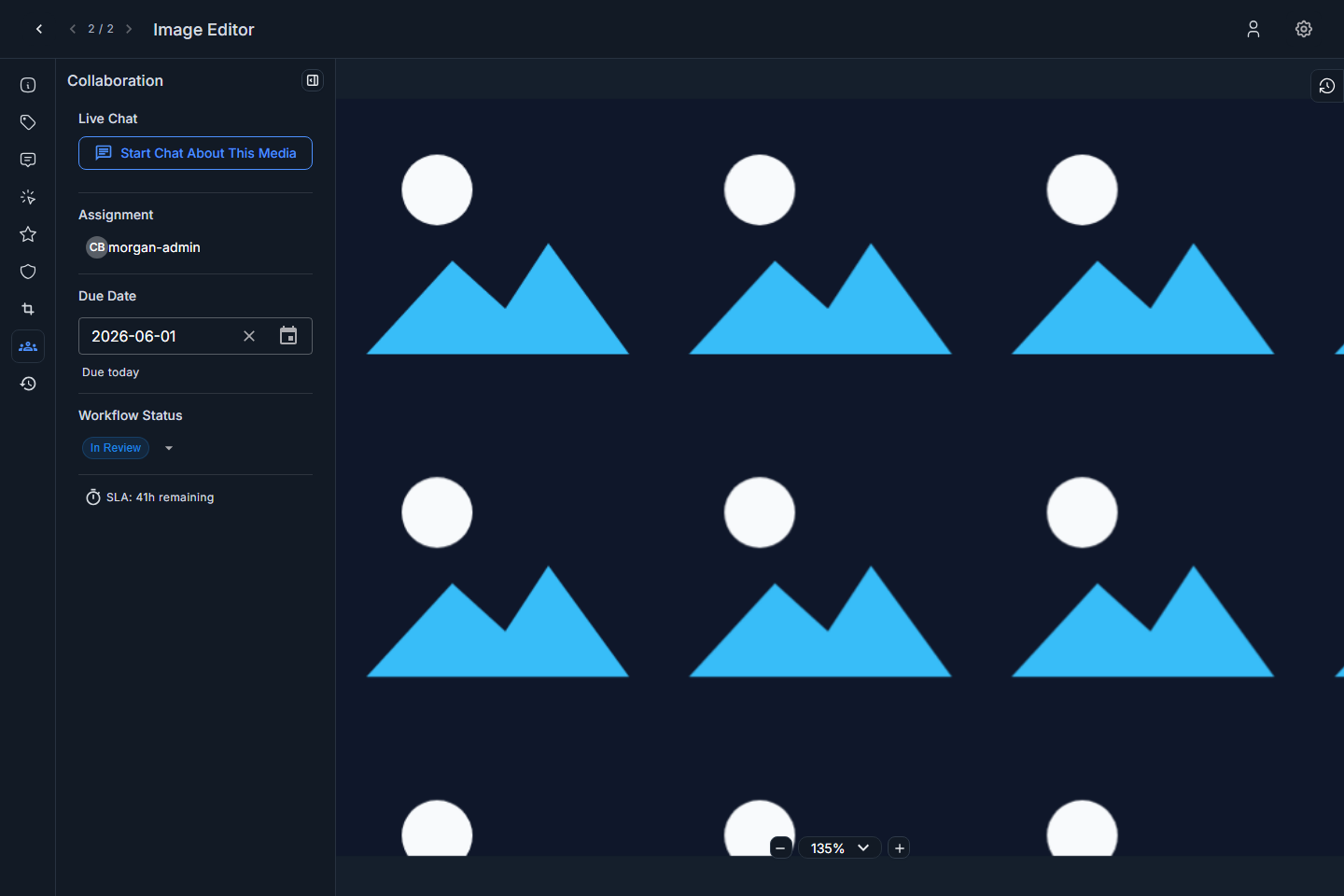
Screenshot: image editor Collaboration tab.
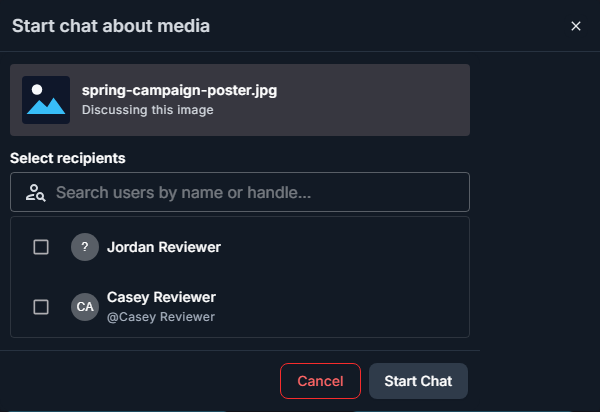
Screenshot: start media chat dialog from the image editor.
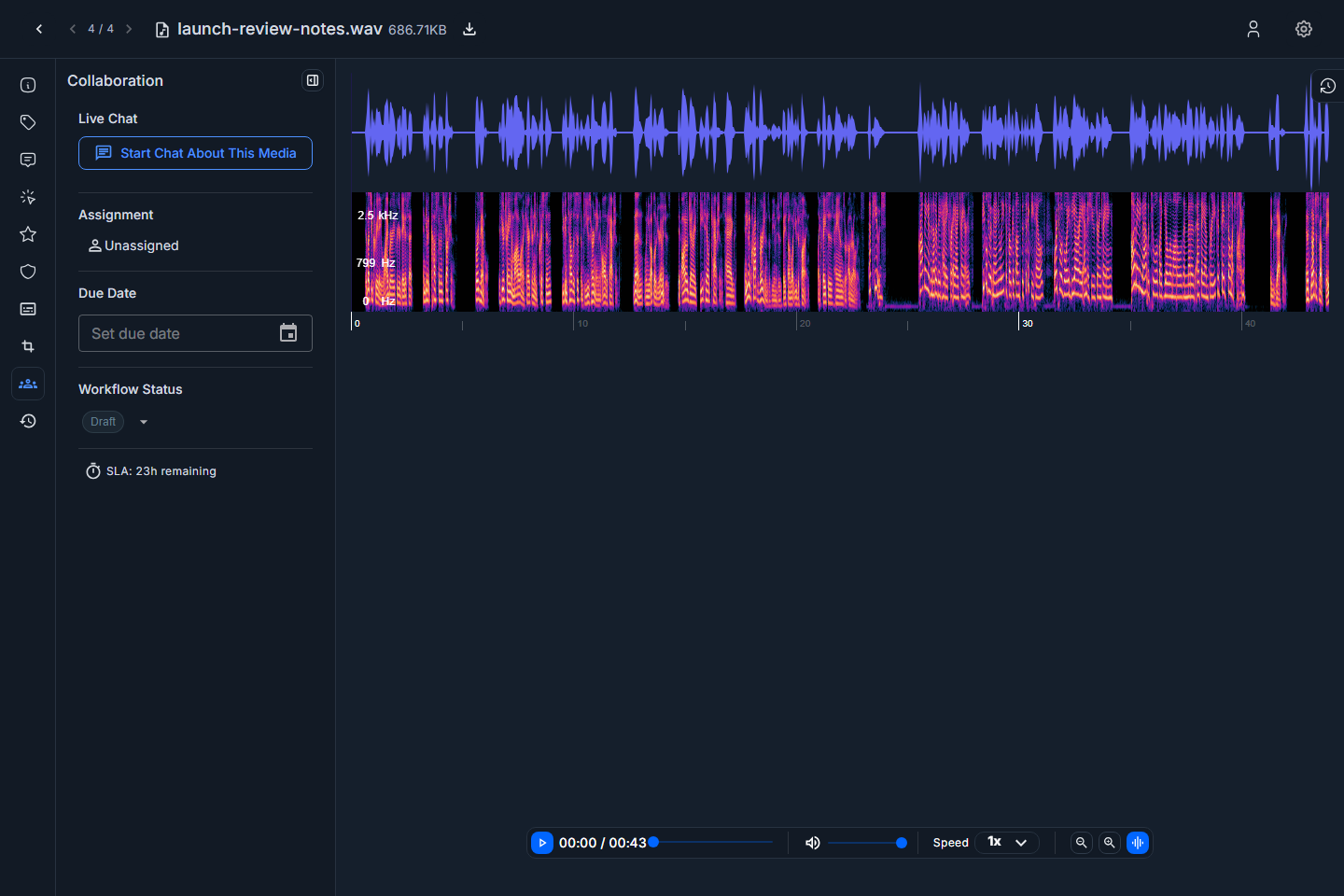
Screenshot: audio editor Collaboration tab.
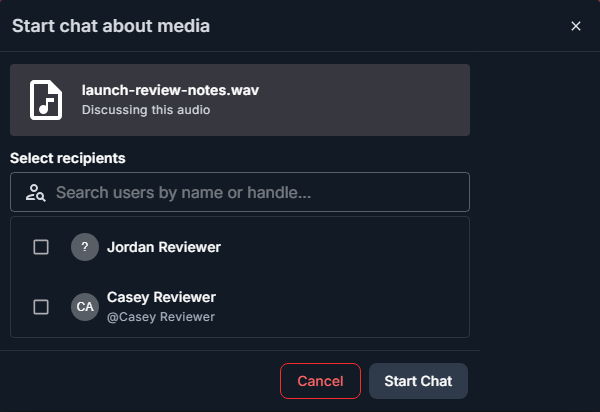
Screenshot: start media chat dialog from the audio editor.
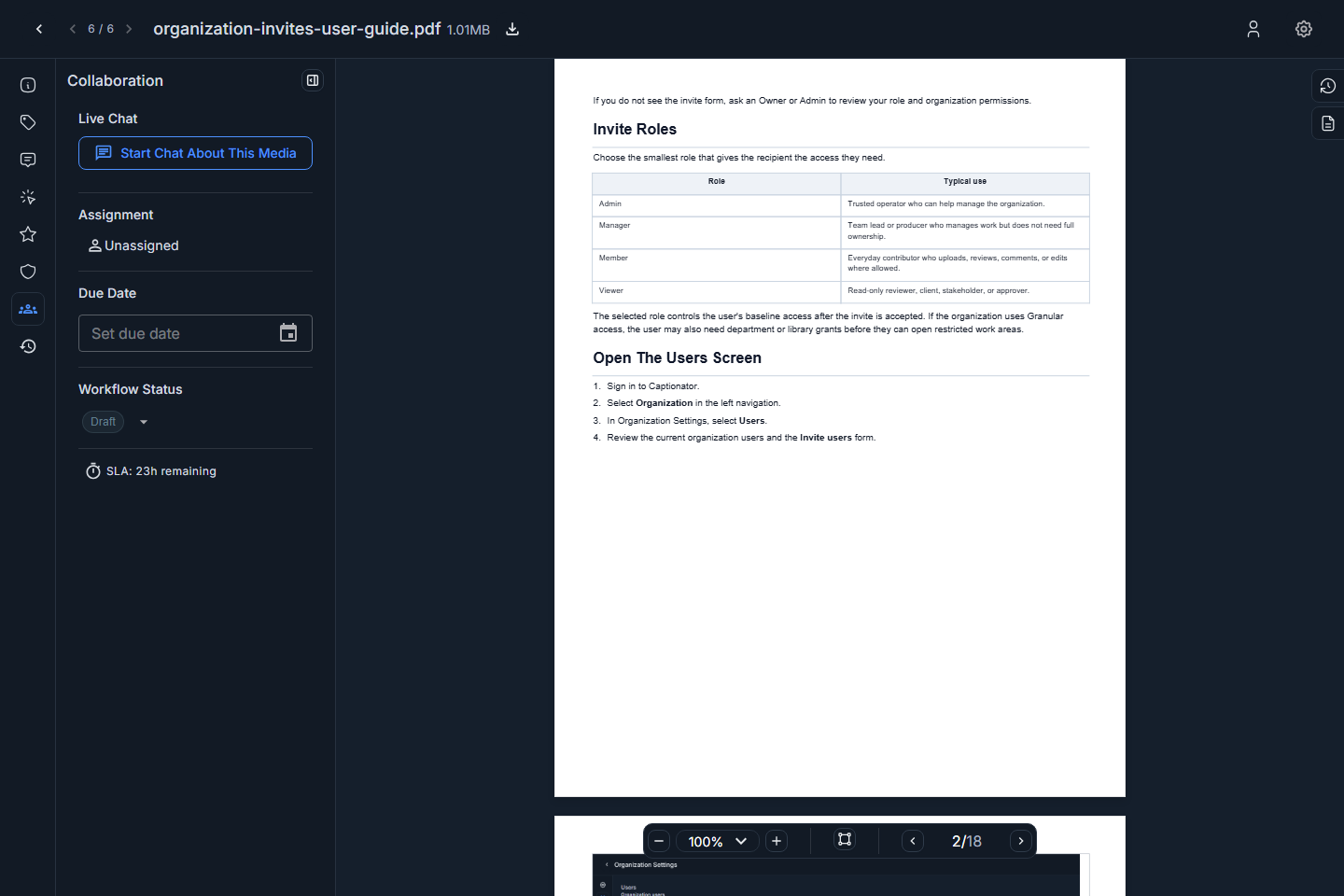
Screenshot: PDF editor Collaboration tab.
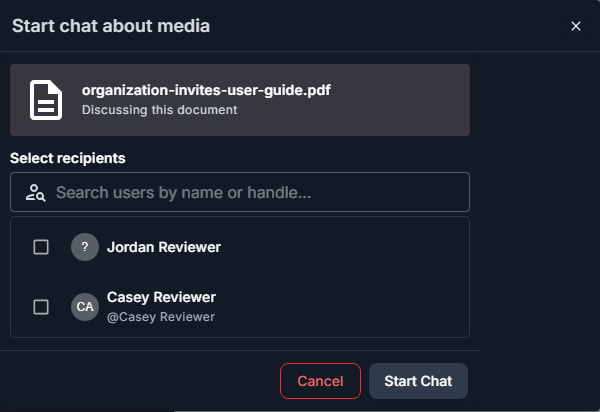
Screenshot: start media chat dialog from the PDF editor.
Use media chat when the conversation should stay connected to the asset. Use a general group chat when the topic is broader than one media item.
Activity Tracking
The Activity tab shows a history of changes and collaboration events for the media item when activity exists.
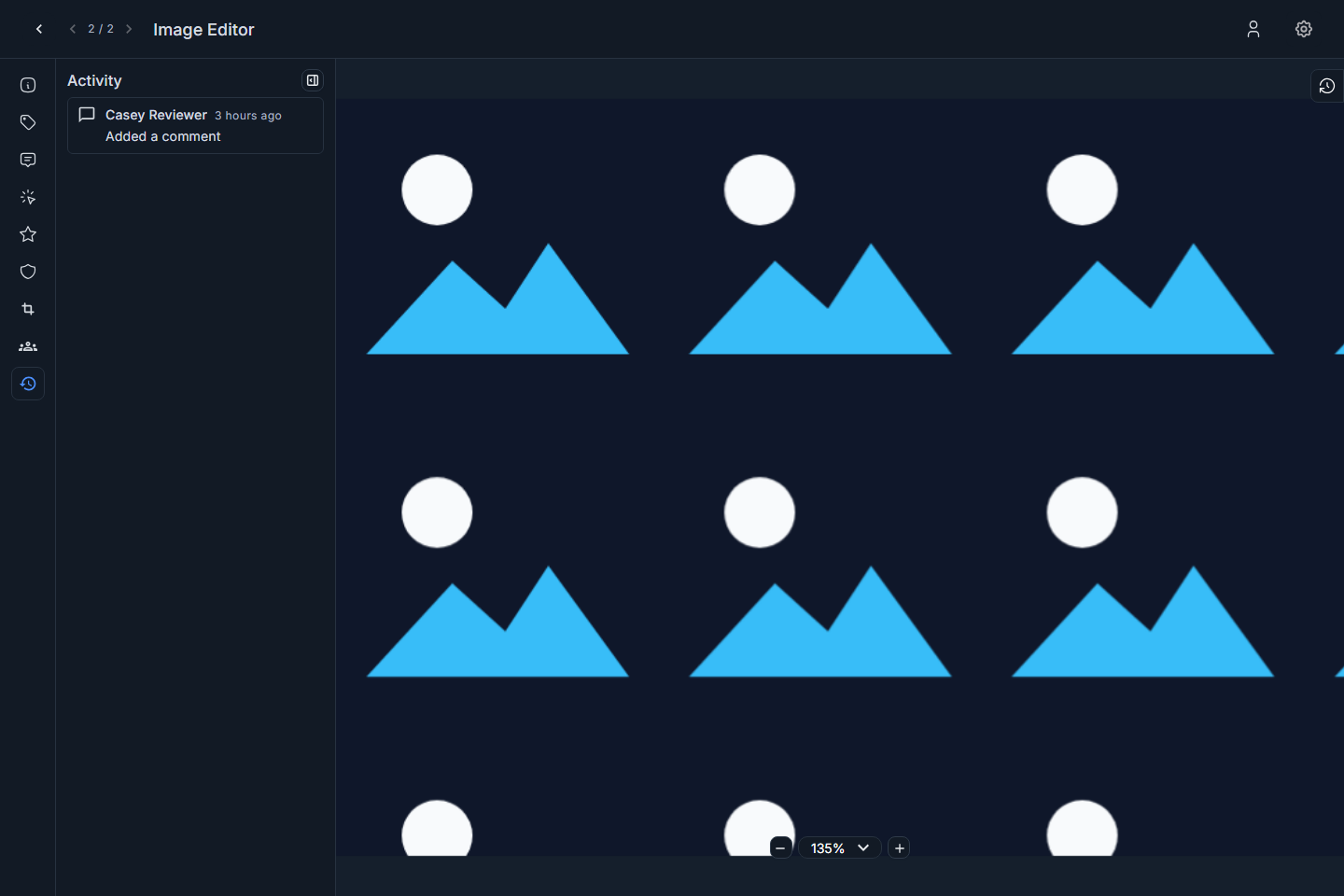
Screenshot: image editor Activity tab.
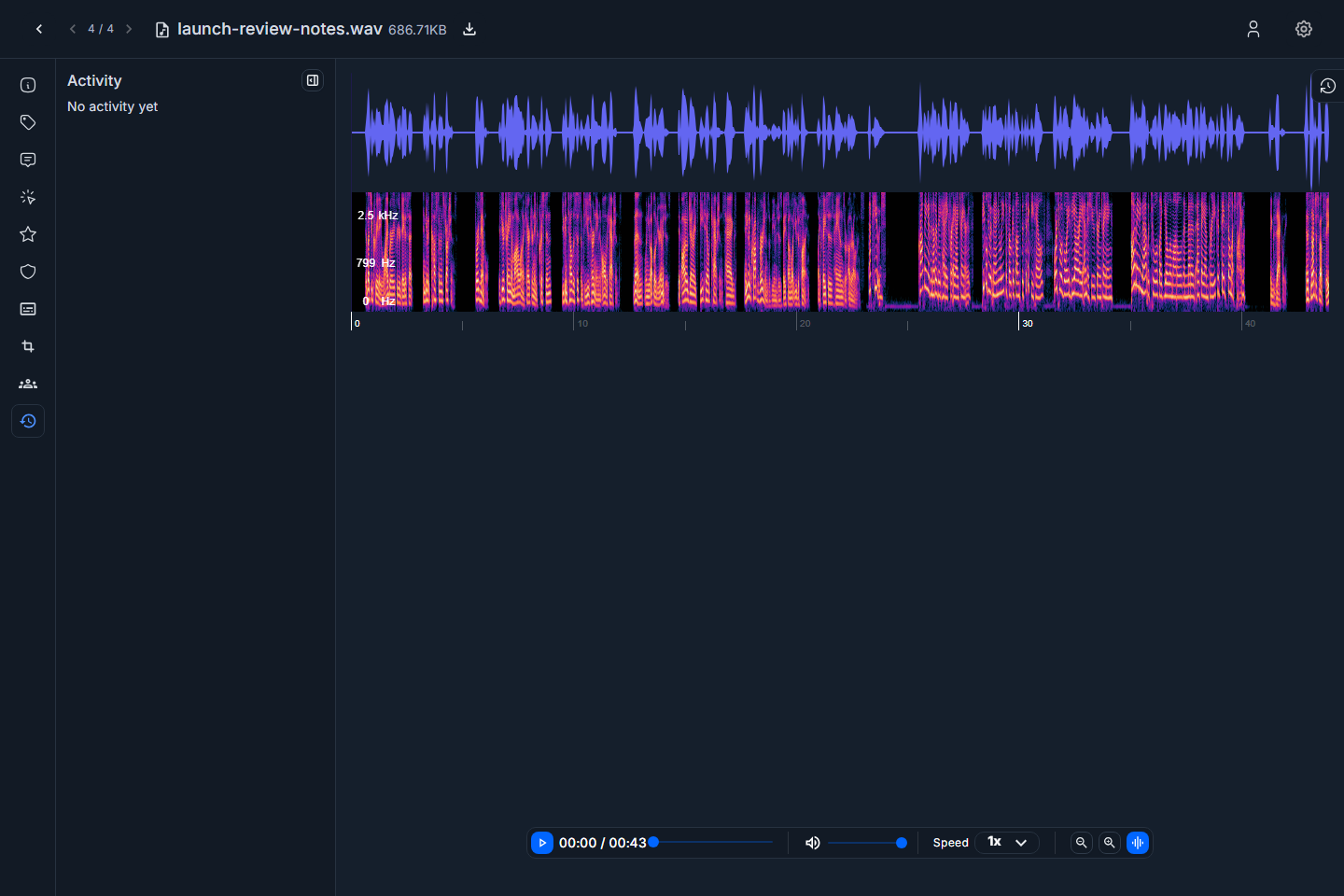
Screenshot: audio editor Activity tab.
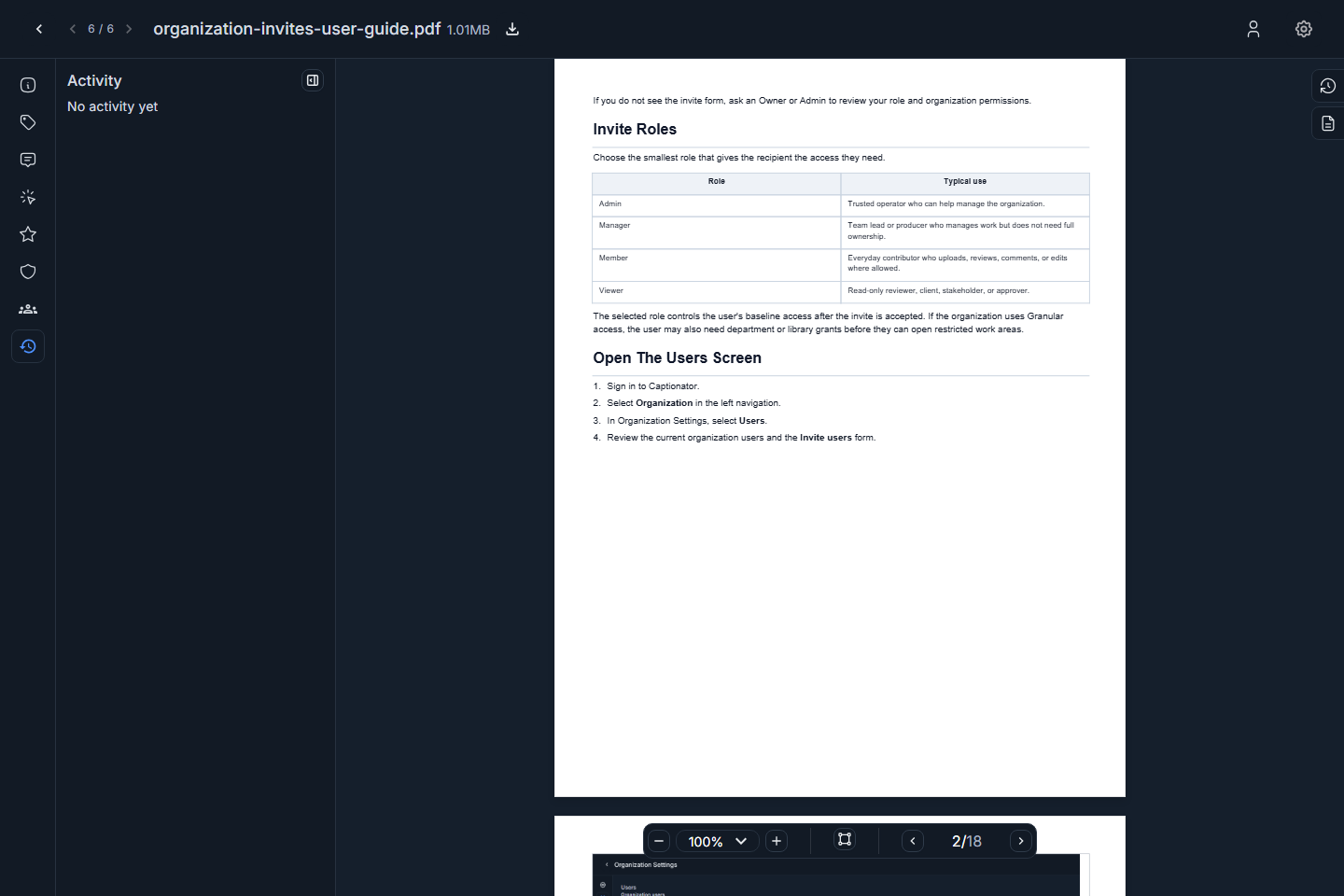
Screenshot: PDF editor Activity tab.
Use activity tracking to understand what changed, who changed it, and whether the media has already been reviewed or updated.
Versions
Version history lets you review previous versions and upload a new revision without losing the review trail.
To manage versions:
- Open the media editor.
- Open the version history drawer.
- Review existing versions.
- Select Upload revision when you need to replace the file with a new version.
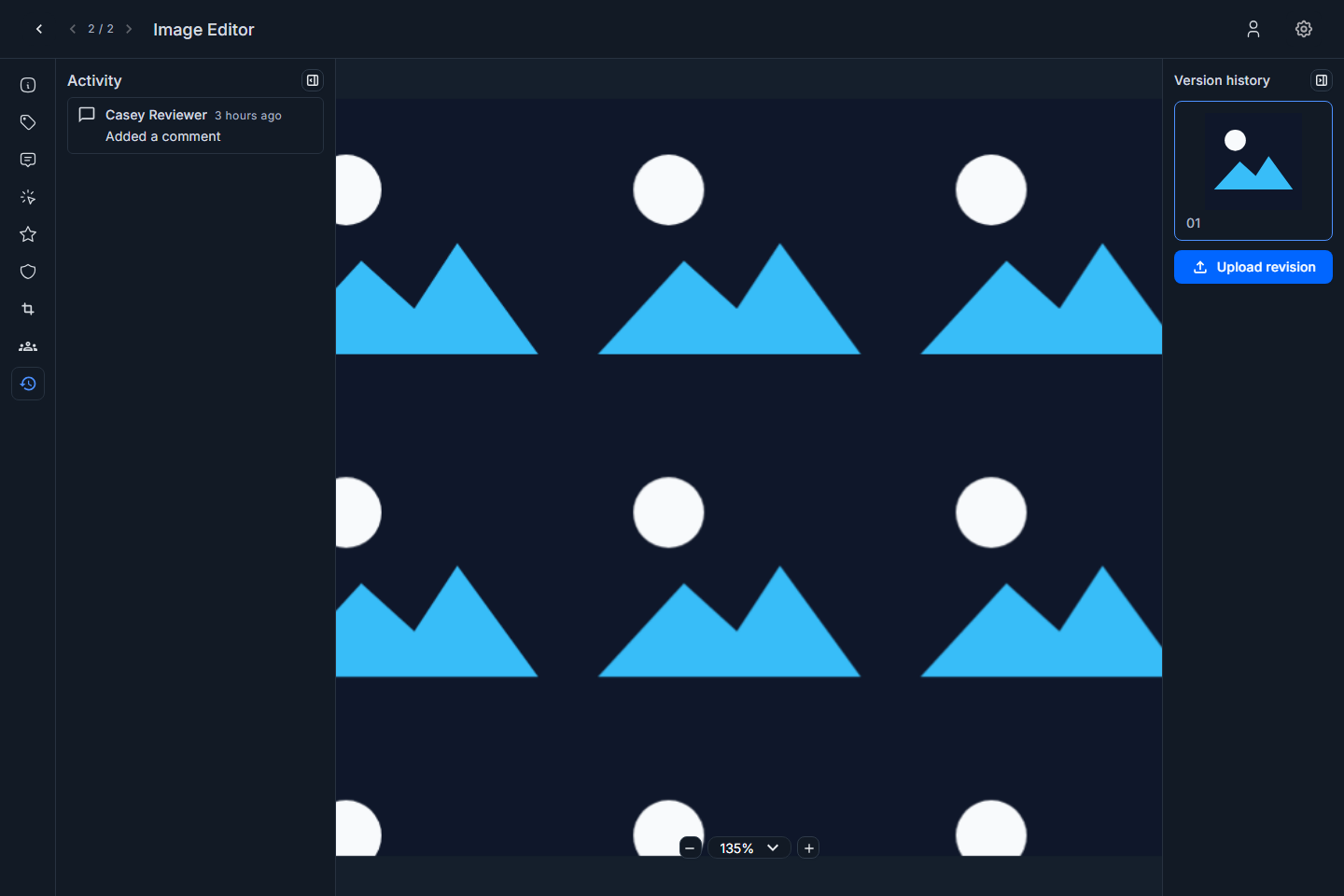
Screenshot: image editor version history.
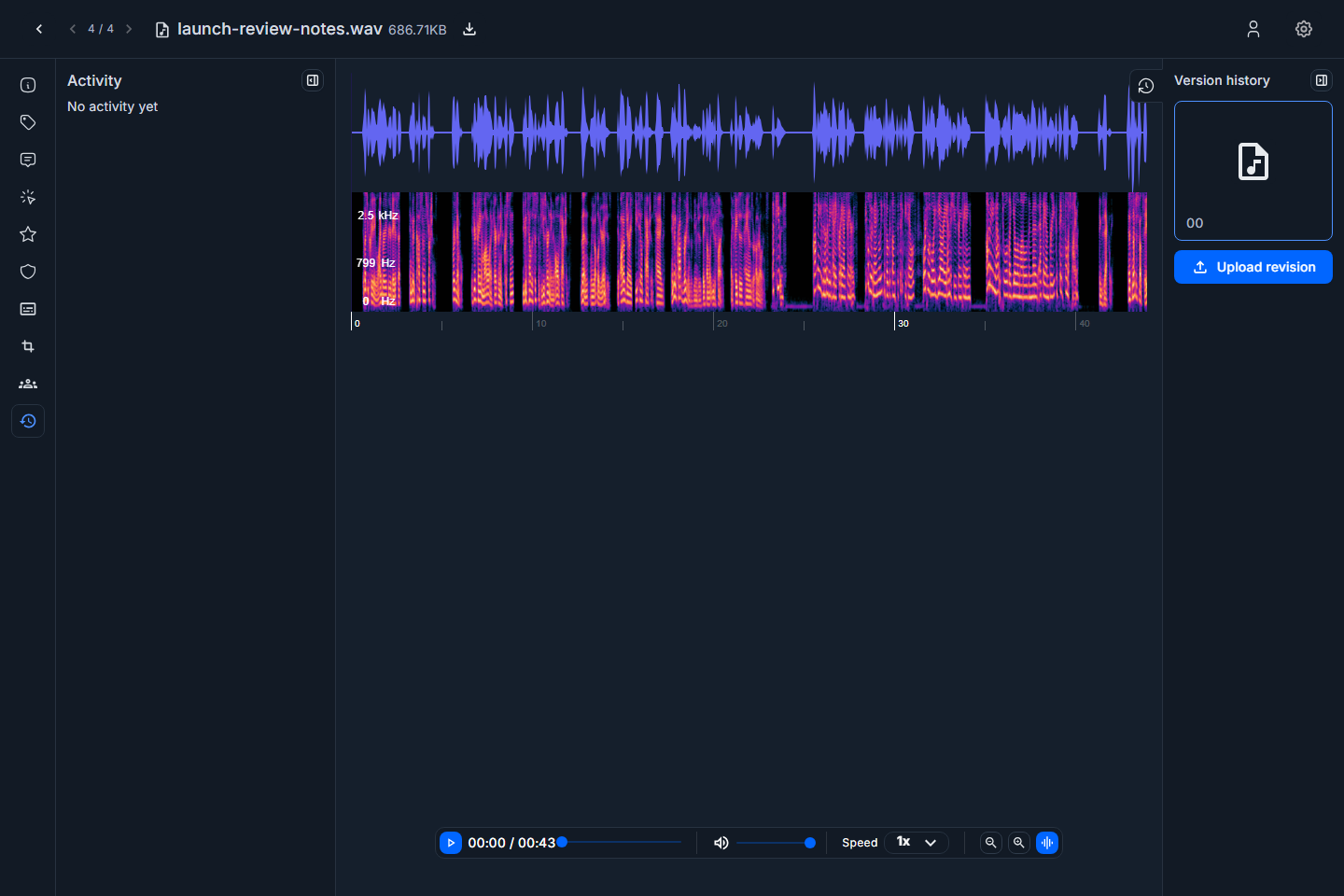
Screenshot: audio editor version history.
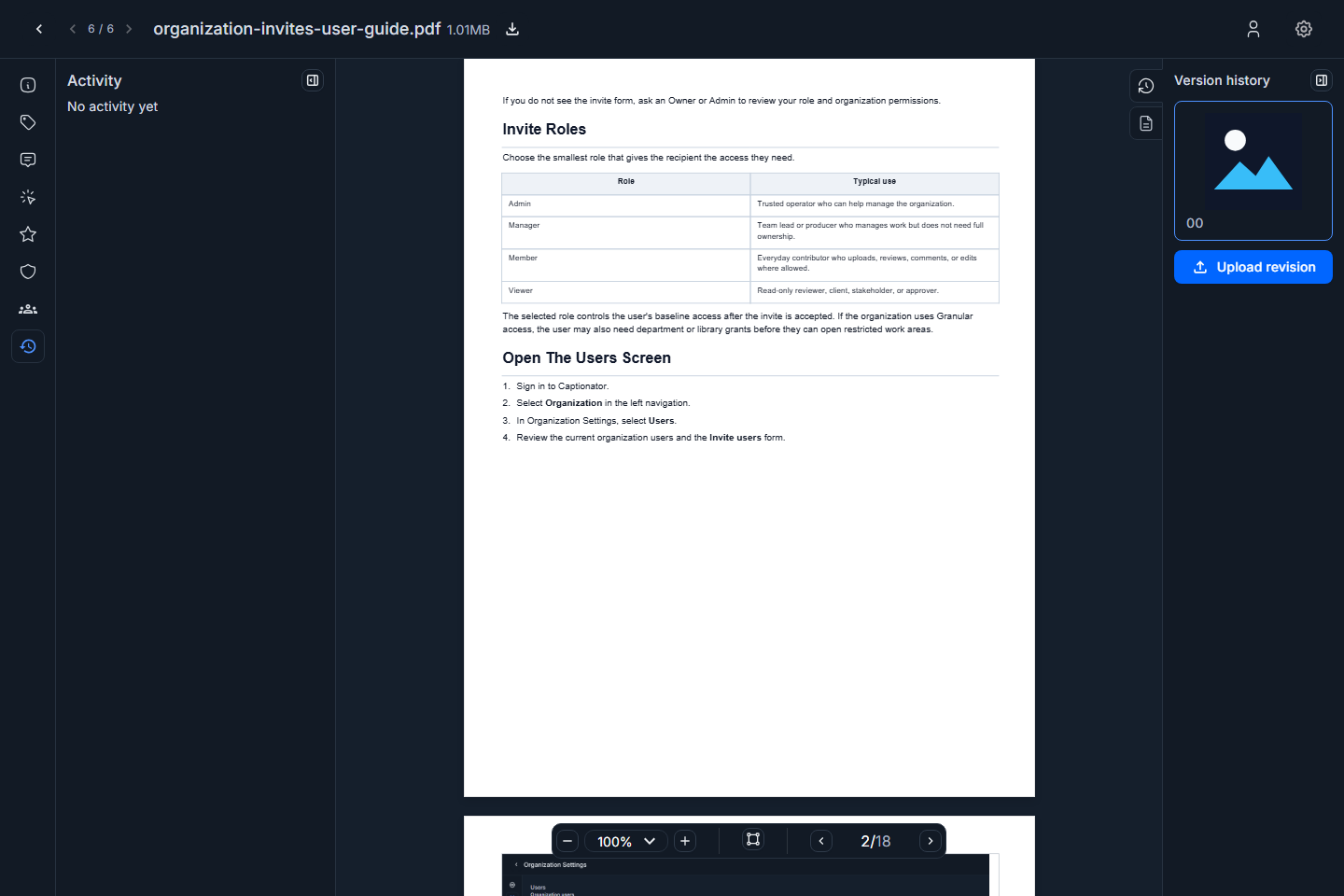
Screenshot: PDF editor version history.
Use a new version when the asset itself changes. Use tags, comments, markups, or ratings when the underlying file should stay the same.
Captionator always checks version uploads for exact duplicate content. If the revision file matches an existing original file on the media item, Captionator does not create a new version, does not keep the uploaded file, and shows Duplicate version was ignored.
PDF Pages
PDFs include page navigation in the viewer and a Pages drawer for page-level review.
To review pages:
- Open a PDF media item.
- Use the viewer controls to move between pages.
- Open the Pages drawer when you need a page list or page-level overview.
- Use markups for notes tied to a specific page area.
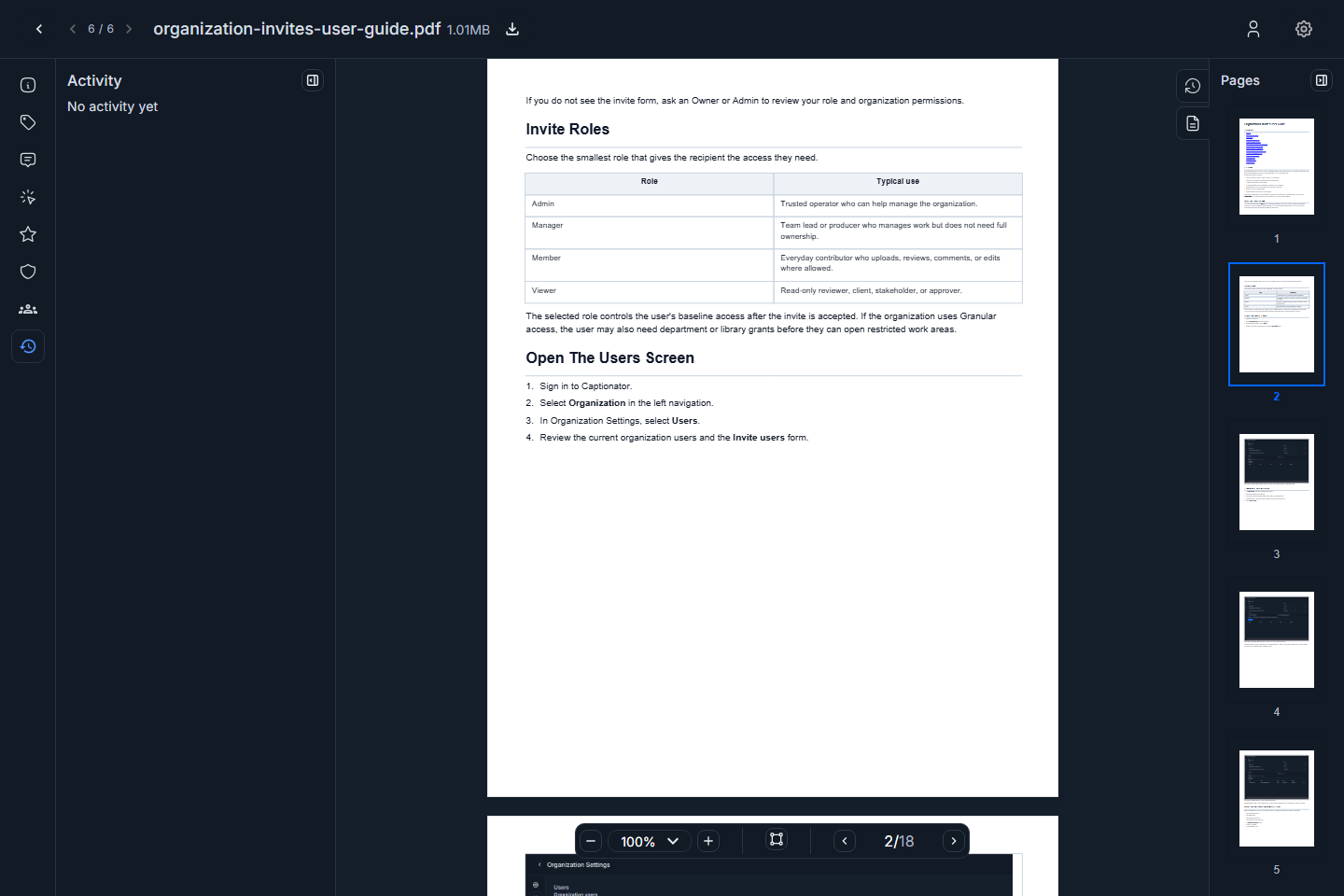
Screenshot: PDF Pages drawer.
Troubleshooting
| Issue | What to check |
|---|---|
| A tab is missing | Confirm the media type supports that tab and that your role allows the action. |
| A rating category is missing | Add the rating in Library Settings for the same library. |
| AI scan data is empty | Processing may not have run yet or may not apply to that media type. |
| You cannot add a markup | Confirm you are on the Markup tab and click inside the viewer, waveform, or PDF page. |
| Audio does not play | Refresh the editor, confirm processing has finished, and verify the file type is supported. |
| PDF pages do not appear | Wait for PDF processing, then reopen the media item. |
| You cannot upload a revision | Confirm your role includes edit or upload access for the library. |
| You see Duplicate version was ignored. | The uploaded revision exactly matches an existing original file for this media item. Upload a changed file when you need a new version. |