Purpose
Use this guide when you need to add media to a Captionator library. A library is where your team stores, reviews, captions, comments on, marks up, rates, and exports media.
This guide covers uploading into a library that already has media, selecting image, audio, and PDF files, and setting up library rating criteria before media review begins.
Screenshots use documentation sample media and safe customer-style names. Your organization, department, library, media titles, and processing status may look different.
Who Can Upload Media
You can upload media when your account has upload access to the current library. Owners, Admins, Managers, and Members usually have upload access in Simple roles. Organizations using Granular access may limit upload permission by department, library, custom role, direct user grant, or access group.
If the upload button is hidden or disabled, ask an organization Owner or Admin to review your role and resource grants.
Open A Library
- Sign in to Captionator.
- Use the left navigation to open the department that contains your library.
- Select the library name.
- Confirm the library heading and existing media cards are visible.
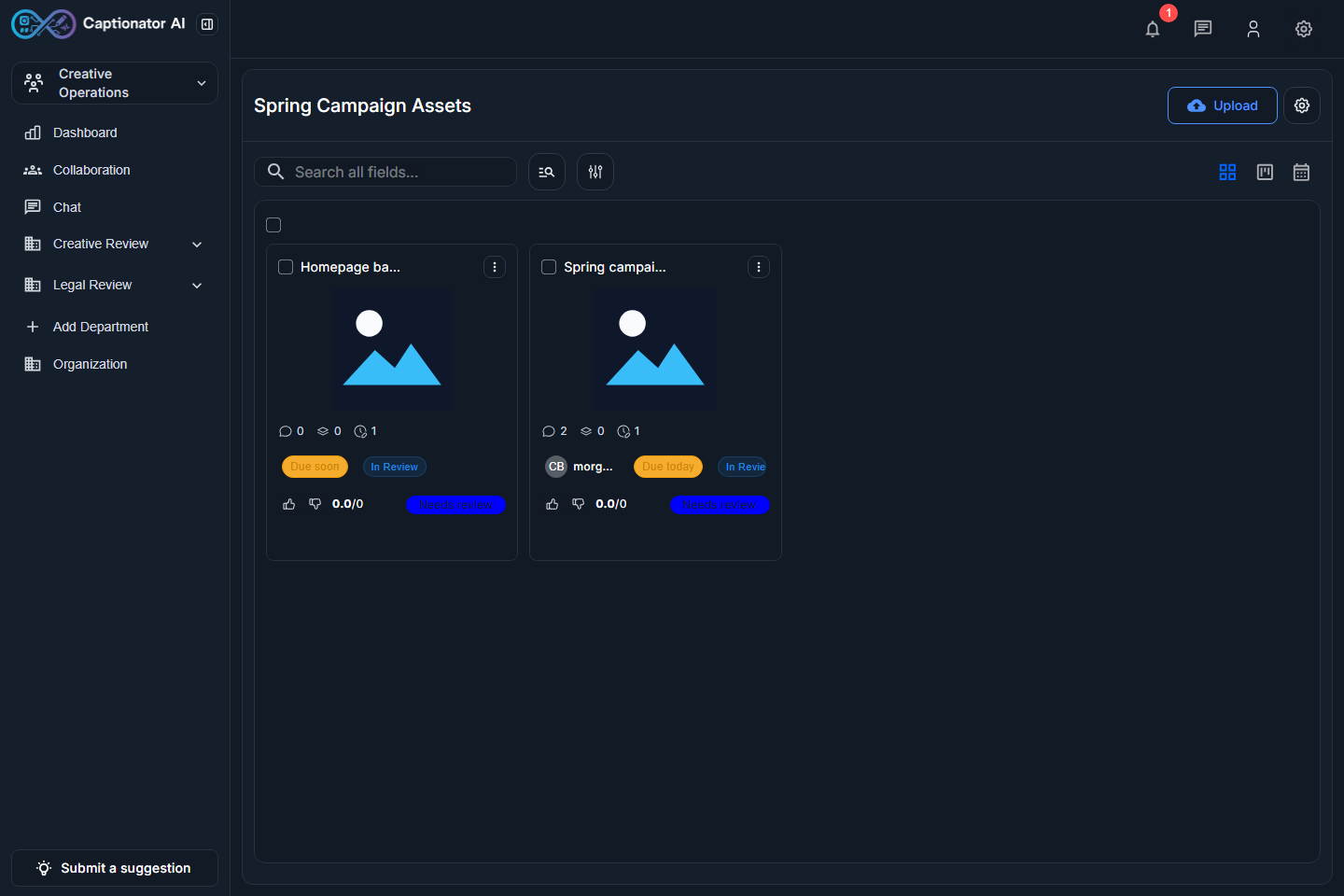
Screenshot: a library opened with existing media already visible.
Existing media cards let you confirm you are uploading into the correct library. Review the visible title, thumbnail, status, and action controls before adding more files.
Captionator keeps the same library actions available in constrained browser widths. If you are working on a smaller screen, the media cards stack in a single column while the Upload action remains in the library toolbar.
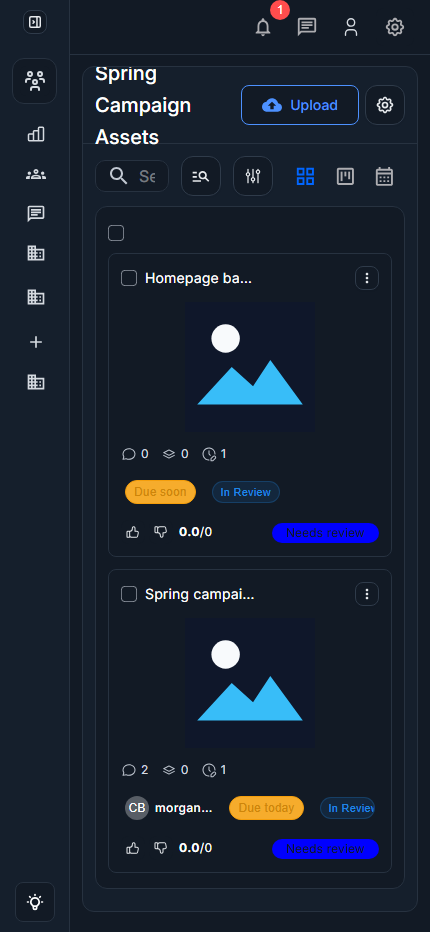
Screenshot: the same populated library at a constrained browser width.
Upload Files
- Select Upload in the library toolbar.
- In Upload files, select the file picker area or drag files into the dialog.
- Choose one or more files from your computer.
- Review the selected file list.
- Select Upload to start the upload, or select Cancel to leave the library unchanged.
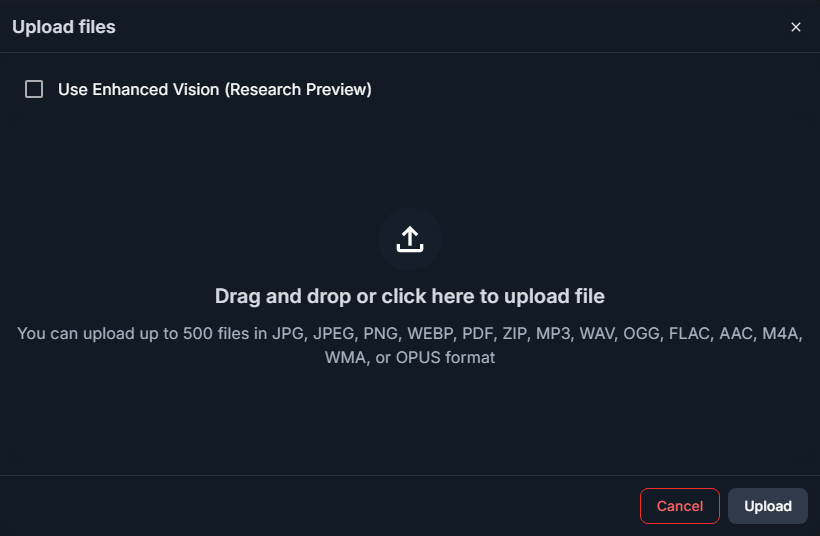
Screenshot: upload dialog before files are selected.
The dialog stays on top of the current library so you can verify that you are still working in the right place.
Upload Images Audio And PDFs Together
Captionator can accept multiple supported media types in one upload batch. In the example below, the selected files include an image, a documentation PDF, and an audio file.
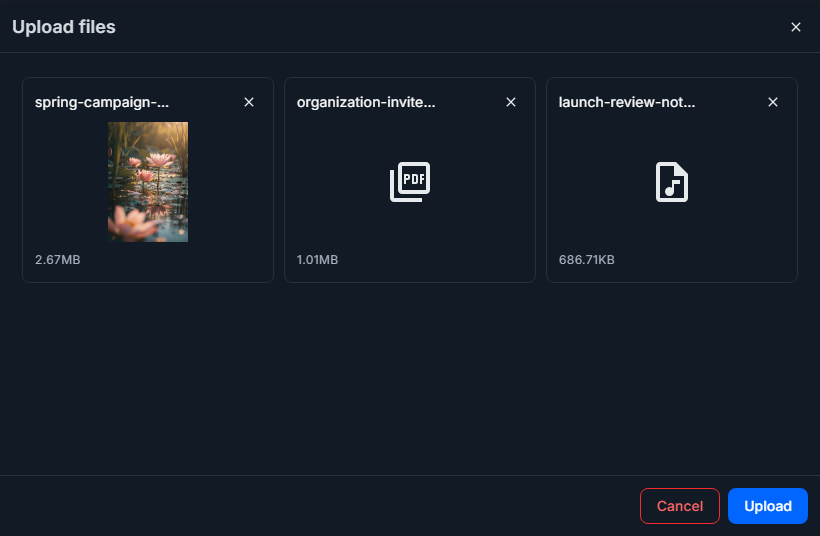
Screenshot: upload dialog after selecting image, PDF, and audio files.
Recommended checks before selecting Upload:
- Confirm every selected file belongs in this library.
- Remove or cancel the upload if the wrong file was selected.
- Avoid uploading private or personal PDFs into shared libraries.
- Use clear filenames when a file will be reviewed by a team.
Prevent Duplicate Uploads
Library owners and users with library settings access can stop duplicate files from being saved as new media items.
To turn on duplicate prevention for a library:
- Open the library.
- Open the library action menu.
- Select Edit Library.
- In General details, turn on Ignore duplicate uploads.
- Select Save changes.
When this setting is enabled, Captionator compares the exact file content before saving a new upload. If the same media file already exists in that library, Captionator does not create a new media item, does not keep the uploaded file, and shows Duplicate media was ignored.
Changing the filename does not make a file unique if the file content is the same. Upload a changed file when you need a separate media item.
What Happens After Upload
After the upload starts, Captionator creates media records in the current library and begins the media processing pipeline. Depending on media type and library settings, processing can include thumbnails, metadata extraction, page previews, waveform setup, transcription, AI scan data, and indexing.
The uploaded media appears as a library card when the upload completes. Some metadata or AI results may continue processing after the card is available.
Open the media editor to review details, add tags, leave comments, create markups, assign ratings, inspect AI scan results, chat about the media, review activity, and manage versions. See Media Editor User Guide.
Manage Library Ratings
Ratings are configured at the library level. Create rating criteria before a review round when you want reviewers to score media consistently.
- Open the library.
- Open the library action menu.
- Select Edit Library.
- In Library Settings, select Ratings.
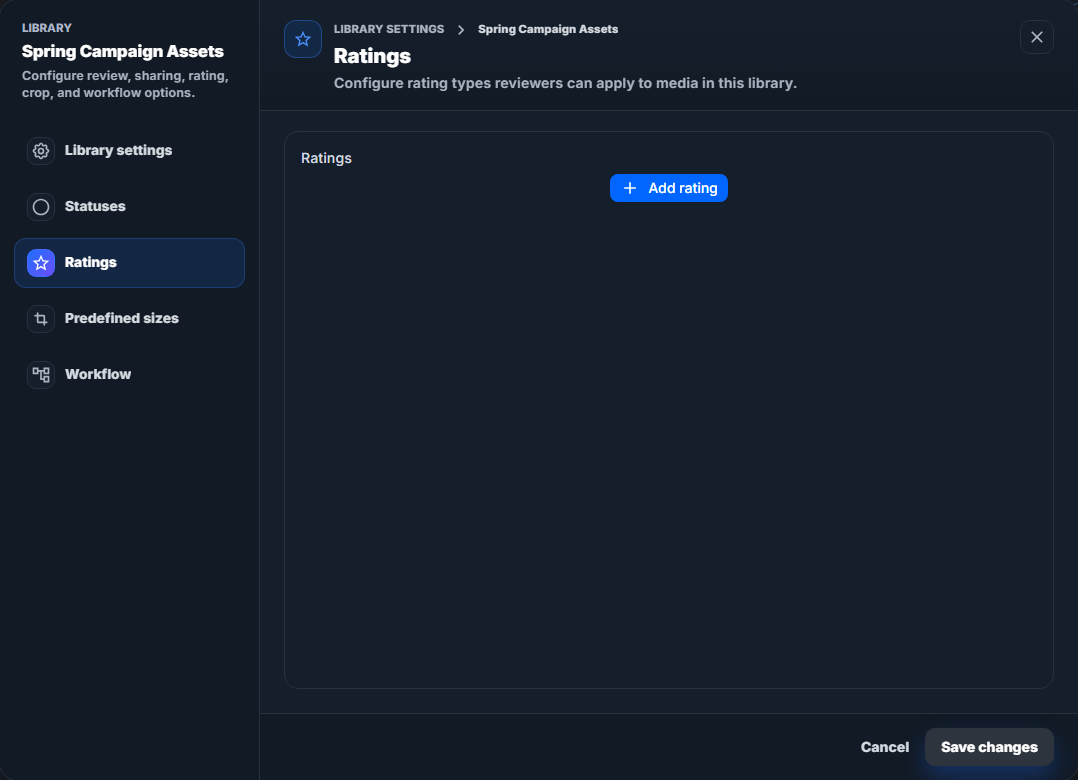
Screenshot: Library Settings opened to the Ratings tab.
To add a rating:
- Select Add rating.
- Enter a rating name, such as
Creative quality,Accuracy, orClient fit. - Choose the rating type and scale options available in your library.
- Save the rating.
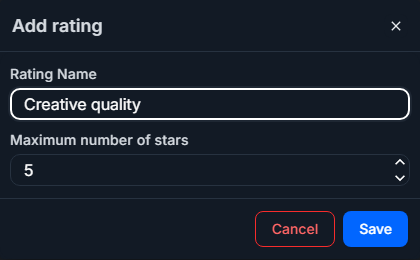
Screenshot: add-rating dialog for a library rating criterion.
After the rating is saved, it appears in the library's rating list and becomes available on media in that library.
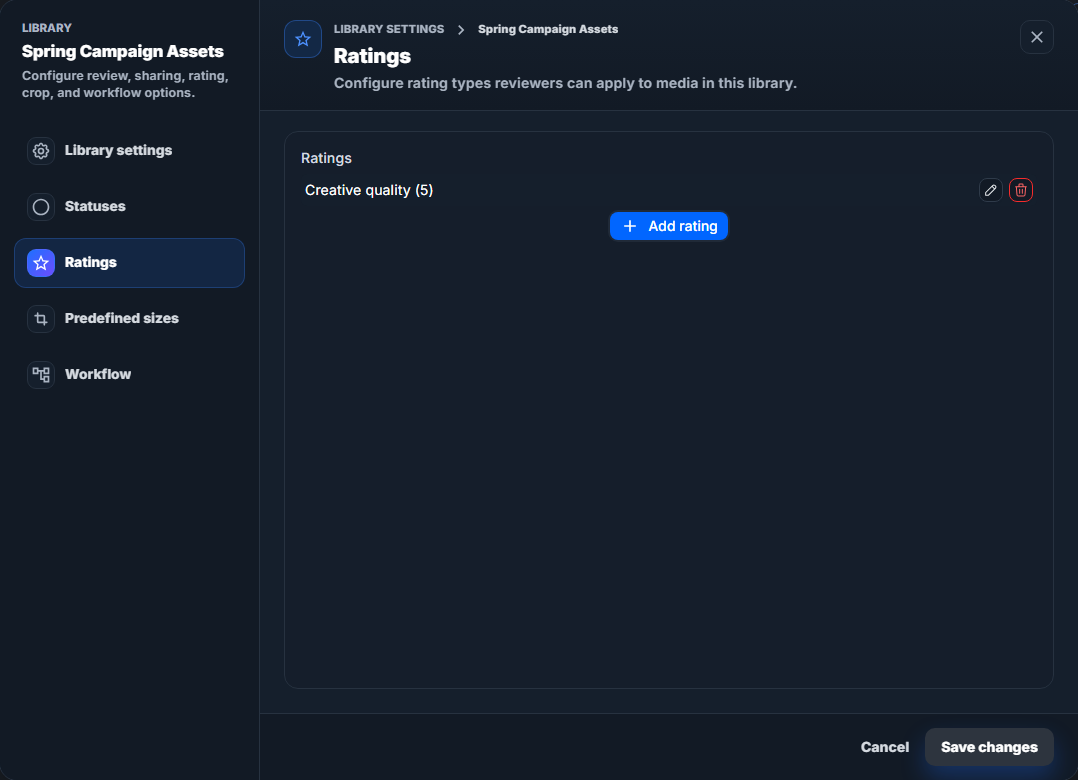
Screenshot: Ratings tab after a rating has been created.
Use ratings for review decisions that need to be compared across multiple media items. Use comments or markups for specific notes about one moment, region, or page.
Troubleshooting
| Issue | What to check |
|---|---|
| You do not see Upload | Confirm your organization role, custom role, and library grant include upload permission. |
| The wrong library is open | Cancel the upload, open the correct department and library, then start again. |
| A selected file should not be uploaded | Select Cancel before upload starts, then reopen the upload dialog with the correct files. |
| You see Duplicate media was ignored. | The library is configured to skip exact duplicate files. Use the existing media item or upload a file with different content. |
| A PDF contains private information | Do not upload it to shared review libraries. Use a safe documentation or sample PDF instead. |
| A new rating is not visible on media | Save Library Settings, reopen the media editor, and confirm the media belongs to the same library. |
| A thumbnail or scan result is still missing | Processing can continue after upload. Refresh the library or reopen the media after processing finishes. |